How to prepare furniture references for 3D modeling
A practical submission workflow: revisions, photo coverage, finish maps, variants and one clear approval trail.
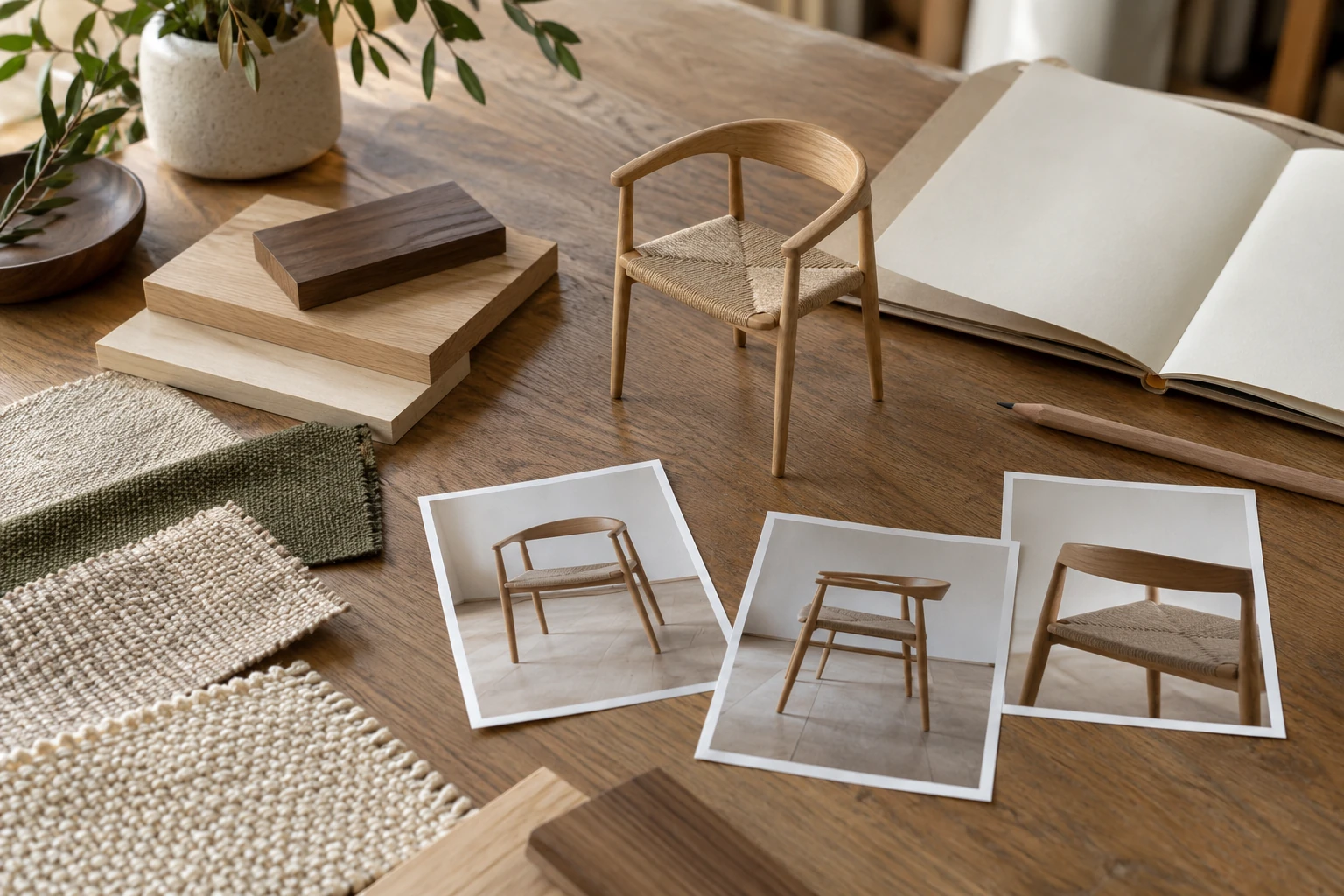
A furniture reference package should let the studio answer three questions without guessing: which product are we building, which information is approved, and what must we deliver? Sending a large folder is not enough if the drawings describe different revisions or the fabric sample has no connection to a specific component.
This guide follows the submission workflow, from choosing the current product revision to handing over a checked folder. If you are deciding which source types you need, start with materials needed for an accurate 3D furniture model. Here, the task is to turn those inputs into one coherent production brief.
The goal is visual and dimensional accuracy for product content. Preparing references for CGI does not replace engineering approval or manufacturing documentation.
Use the pricing and scope guide to decide which deliverables belong in your brief. If there is no approved physical sample, follow the pre-prototype workflow and label unresolved details explicitly.
1. Give the submission an identity
Create a short cover note before collecting files. Record the product name, internal product ID, revision, submission date, units and responsible contact. State whether the references describe a production item, a prototype or a design still awaiting decisions.
For example, “Lounge chair LC-21, product revision R03, dimensions in millimeters” is more useful than “new chair final.” Keep the product revision separate from the submission version: a corrected filename can justify a new submission without implying that the chair itself has changed.
List the files that govern geometry and the files that govern appearance. A current drawing might define dimensions while an approved sample defines the fabric. Do not declare every file equally authoritative. The cover note should also say who can settle conflicts and where unresolved questions are recorded.
2. Reconcile drawings before the handover
Lay out the current drawing, CAD export and specification sheet together. Compare overall width, depth and height, then check the dimensions that define the visible shape. For a chair, that may include seat height, arm position and back angle. For a cabinet, check panel thickness, door layout and base configuration.
If the drawing says 820 mm and a specification sheet says 800 mm, do not average the values or assume the newer filename is correct. Record the conflict and ask the product owner which value governs. Keep the original source intact and add the approved resolution separately.
| Issue | Conflicting references | Required resolution |
|---|---|---|
| Overall width | Drawing R03: 820 mm; specification sheet: 800 mm | Product owner confirms the governing width and corrects the affected record |
| Rear seam | Prototype photo shows a seam absent from the current drawing | Confirm whether the seam remains in the production revision |
| Leg profile | CAD export and supplier image differ | Identify the approved component and its reference |
These are illustrative conflicts, not specifications for a real product. Give each issue an ID and a status such as open, answered or approved. Include the decision date and decision-maker when it is resolved.
Make units explicit
State units in the cover note and alongside dimensions that could be ambiguous. If a source uses inches while the submission uses millimeters, identify the original units and label any conversion. Include a verified overall measurement that can be checked after importing the model.
Avoid resizing a PDF or screenshot and treating its apparent scale as a measurement. Where a dimension is missing, mark it as missing. A clear question is more useful than an untraceable estimate.
3. Photograph the current item in a planned sequence
Use a simple shot list and name files as you capture them. Start with the front, rear, left side, right side and three-quarter views. Add top, underside or open-state photographs when those areas affect the required model. Keep the product revision and configuration consistent throughout the set.
Define left and right in the cover note, for example “as viewed from the front.” This matters for asymmetric furniture. If you photograph both a left-arm and right-arm version, give them separate configuration IDs instead of mixing them into one sequence.
Use even light, keep the camera level where practical and leave enough space around the whole item. Avoid an ultra-wide viewpoint that exaggerates nearby parts. Send original files so the studio can inspect details; screenshots of a chat conversation are difficult to organize and may hide useful information.
Pair detail photographs with a locating view
For each close-up, show where it belongs. Label a general view with a detail ID, then use that ID in the close-up filename. D03_rear_leg_joint tells the artist more than IMG_1847 when it points back to an overview.
Capture seams, piping, cushion edges, junctions, handles and visible hardware according to the product. A close-up should answer a specific question about shape or construction. If a ruler is used to show local scale, place it near the relevant surface and avoid treating perspective-distorted measurements as approved dimensions.
When only a prototype exists, label its differences from the intended product. “Rear seam is reference only; production seam awaits confirmation” preserves useful visual evidence without silently approving the prototype.
4. Build a finish map that connects to the files
Create one component-to-finish schedule and use the same IDs on an annotated overview. The map answers where a finish goes; the linked references explain its appearance. Include small visible parts such as caps or trim when they differ from the main component.
| Component ID | Part | Finish ID | Reference and instruction |
|---|---|---|---|
| C01 | Seat and back upholstery | F01 | Sample photos F01; weave direction marked on component overview |
| C02 | Wooden legs | F02 | Approved swatch F02; grain follows each leg's length |
| C03 | Leg caps | F03 | Supplier reference F03; confirm finish if still pending |
This is an example structure, not a prescribed material combination. Use your actual supplier codes and identify which sample is approved. If a digital reference and a physical sample differ, record which should guide review and who will decide any remaining discrepancy.
Record texture scale and direction as instructions
“Oak” or “blue fabric” leaves important decisions open. Add a scale reference to material photographs and record the visible width or repeat where known. Mark grain, brushing, pile or pattern direction with arrows tied to the component's orientation.
Specify continuity where it matters: should a pattern align across adjacent cushions, or should veneer continue from the top to an edge? If this is undecided, add a question rather than selecting a visually attractive arrangement without approval.
Keep neutral reference photographs separate from mood images. A warm room photograph may communicate atmosphere without being a dependable color target. Label the role of each reference so the artist knows whether to follow its color, texture, direction or general mood.
5. Separate product geometry from finish choices
Create a variant register before listing outputs. Assign a geometry ID to each distinct shape or construction, then connect it to the relevant finish set and sales SKU. A shared product name does not prove that two items use the same model.
For example, LC-21-BL and LC-21-GR might share geometry G01 with different upholstery finishes. LC-21-WIDE might require geometry G02 because the seat is wider. These are illustrative identifiers; confirm the relationship from approved product information.
Check changes to legs, arms, seam layout, handles and modular arrangements as well as overall dimensions. A finish change can conceal a construction change: a leather version may have different seams from the fabric version. Mark the difference explicitly instead of categorizing it automatically as a color swap.
For modular furniture, identify the arrangement and viewing orientation. A list of component names is incomplete if it leaves the assembled configuration open.
6. Connect every SKU to an output manifest
The output manifest tells the studio what to produce and tells your team what to check on delivery. Use one row per requested asset, with a unique output ID, SKU, geometry revision, finish set, view, format, dimensions and destination. Put “to confirm” in an unresolved field rather than leaving an unexplained blank.
| Output ID | SKU | Geometry | Finish set | Requested view | Delivery specification |
|---|---|---|---|---|---|
| O01 | LC-21-BL | G01 / R03 | Blue / oak | Front three-quarter | Format, pixel dimensions and channel to confirm |
| O02 | LC-21-BL | G01 / R03 | Blue / oak | Rear detail D03 | Crop and delivery dimensions to confirm |
| O03 | LC-21-GR | G01 / R03 | Gray / oak | Front three-quarter | Same approved camera as O01; export requirements to confirm |
This partial example illustrates the structure, not a complete package or included variant allowance. If you are ordering a furniture PDP content pack, reconcile the manifest with its four white-background views, one detail image, one dimension image and one lifestyle image: seven images in total.
Add a separate row for any agreed interactive deliverable. State the intended use and confirm its technical requirements with the studio. Do not assume that a request for images also requests a GLB, an animation or editable source files.
7. Put unresolved questions where they can be answered
Keep one question log with an issue ID, affected product or component, question, owner, status and decision. Distinguish information needed to establish the product from choices that can be settled later. The studio and product owner should agree which open issues prevent the affected work from proceeding.
For example, an unknown arm width affects geometry; an undecided lifestyle prop may not prevent checking that geometry. This distinction allows progress where the information is sufficient without treating silence as approval.
Record any permitted assumption in the log with its scope and approver. “Use the prototype seam for this preview only” is different from approval for final publication. When a decision changes, identify the outputs or references it supersedes.
8. Nominate one approver and package the handover
Choose one person to issue consolidated approval. Other colleagues can review, but the studio should receive one resolved instruction set for each stage. Name a backup contact and record who can authorize product changes when the main approver is unavailable.
Use a folder structure that separates the governing information from supporting evidence. For example:
LC-21_R03_submission-02/
  00_readme/
    cover-note.md
    file-register.csv
    questions.csv
  01_geometry/
    LC-21_R03.step
    LC-21_R03_dimensions.pdf
  02_photos/
    overview/
    details/
  03_finishes/
    component-finish-map.pdf
    F01/
    F02/
    F03/
  04_variants_outputs/
    variants.csv
    output-manifest.csv
The filenames and formats are examples; agree suitable formats with the receiving studio. Exclude superseded working files from the active reference set, or place essential historical material in a clearly labelled archive with its limitations explained. Do not leave two documents called “final” competing for authority.
Open the files before sending. Check that a CAD export opens, PDFs contain the expected pages, image links resolve and the recipient has access to the shared folder. Send one stable handover link with the submission ID and a short list of open decisions.
If you send a correction later, increment the submission version and list exactly what changed. Ask the studio to acknowledge which version it is using. Do not silently replace a drawing during production and expect everyone to notice.
Final checklist before you submit
- Product ID, revision, submission version and units are stated.
- Governing files are identified and obsolete references are separated.
- Drawing conflicts have approved resolutions or visible open questions.
- Photographs cover the current configuration and locate every important detail.
- Prototype differences are labelled.
- Each visible component connects to a finish ID and reference.
- Texture scale, direction and any required continuity are documented.
- Geometry variants are distinguished from finish choices.
- Every requested output connects to the correct SKU and revision.
- Missing information has an owner and an explicit status.
- One approver is responsible for consolidated decisions.
- Files open and sharing permissions work for the recipient.
A useful handover makes the next decision easy to identify. Send the checked package with your brief through our furniture 3D rendering service, and ask the studio to confirm the submission version, remaining questions and agreed outputs before production proceeds.
Put the thinking into practice.
Explore the relevant studio service, then tell us what you are planning.
Explore the service