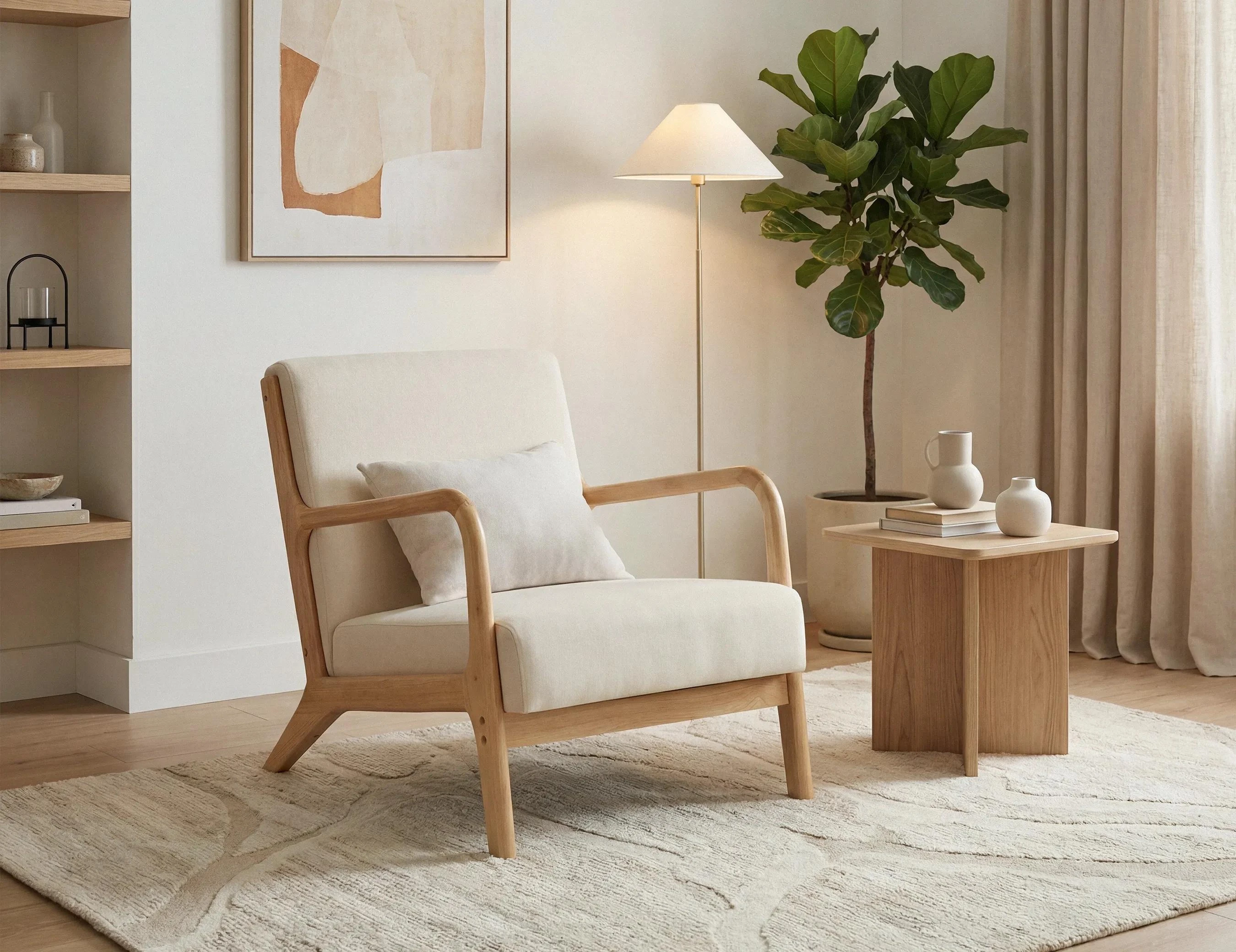
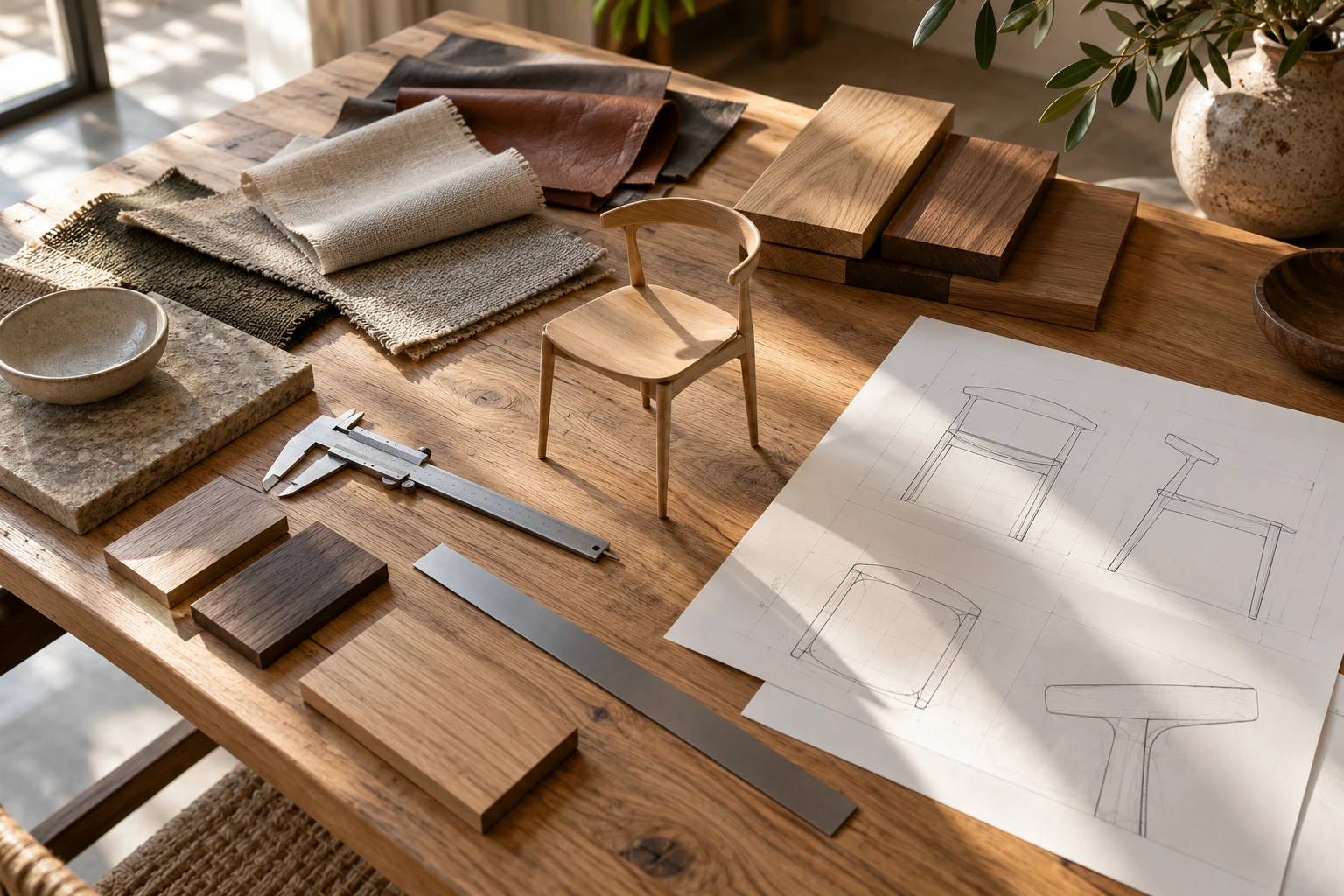
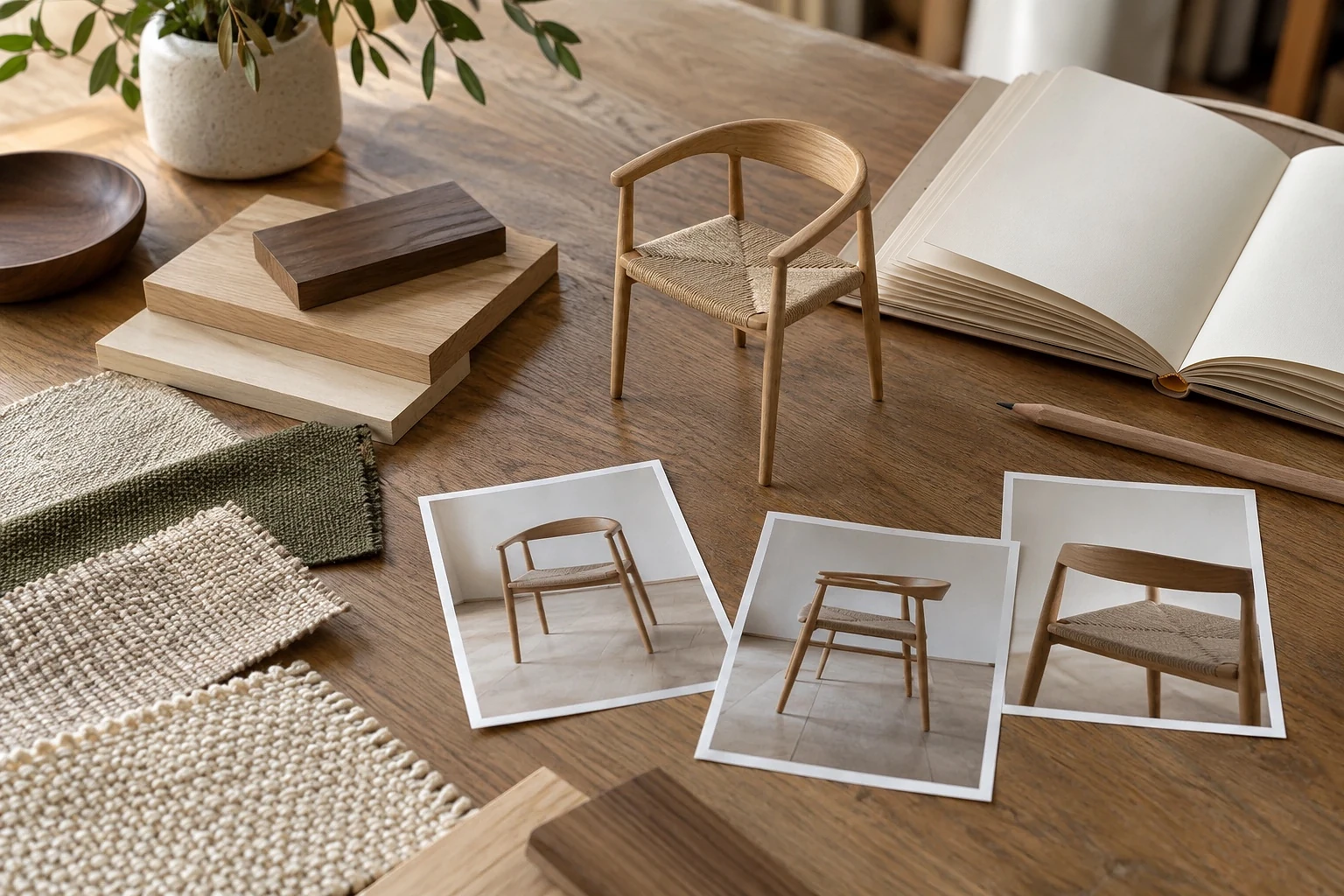
How much does furniture 3D rendering cost?
What affects furniture CGI pricing, what different quotes include, and how to budget for the images you actually need.
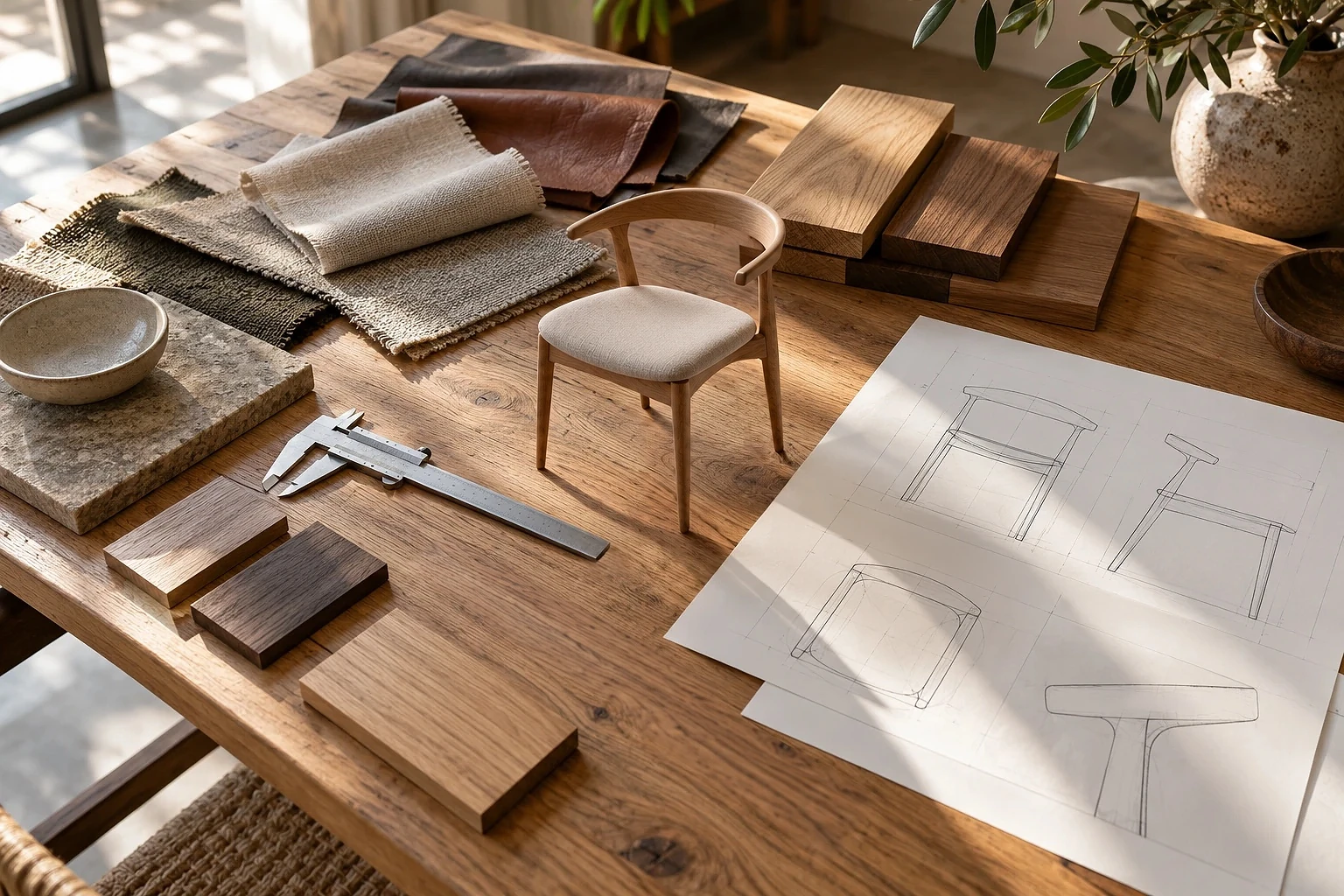
How much should you budget for a 3D render of a chair, sofa or dining table? The answer depends on what the studio needs to create before it can produce the image.
Rendering a new view from an approved 3D model is one kind of job. Building that model from photographs, recreating the upholstery and producing a complete product gallery is another. Both may be described as “furniture 3D rendering,” but they require very different amounts of work.
This guide breaks down the main costs, shows how to compare quotes and explains what to prepare before requesting an estimate. For CGI Lighthouse's current packages and prices, see our furniture 3D rendering service page.
What are you actually paying for?
A finished render is a 2D image created from a 3D scene. As Adobe explains, the wider process involves modeling, materials and lighting before the final image is produced.
A furniture project can involve several separate stages:
| Part of the project | What the work involves |
|---|---|
| 3D modeling | Building or preparing the product's shape, proportions and visible construction. |
| Materials and textures | Recreating fabric, leather, wood, metal, stitching and other surface details. |
| Scene and lighting | Setting up studio lighting or designing an interior around the product. |
| Rendering and finishing | Producing the final views, checking details and preparing the images for delivery. |
| Additional outputs | Creating variants, animations, 360° views or interactive 3D files when required. |
A quote may include all of these stages or just one. That's why an image price on its own rarely tells the full story.
The biggest factors affecting furniture rendering costs
1. Model complexity
A simple wooden stool may have fewer parts to build than a small armchair with curved legs, layered cushions and detailed seams. Size matters less than the amount of geometry and construction detail the artist needs to reproduce.
Woven furniture, carved elements, complex upholstery and moving mechanisms can all increase modeling time. So can features that need to look convincing in close-up.
Existing CAD files may reduce the work, but they still need to be checked. Manufacturing geometry isn't always ready to use in a photorealistic render.
2. Reference materials and product accuracy
A studio can work faster when it receives approved dimensions, drawings, CAD files and clear photographs. If the references disagree or important details are missing, someone has to resolve those questions before the model can be approved.
For example, a sofa photographed with one leg design but drawn with another creates a decision, not just a modeling task. Confirming the correct version early helps avoid rebuilding finished work.
Read more: What source materials are needed for an accurate 3D furniture model?
3. Materials and finishes
A plain painted surface is usually more straightforward than a fabric whose weave, softness and seams need close attention. Natural wood brings its own challenges: grain direction, scale, variation and reflectivity all affect the result.
Clear material references make this stage easier. Photographs, supplier codes and physical swatches help the artist match the real product rather than invent an attractive but inaccurate finish. Tools such as Adobe Substance 3D Sampler can help turn reference images into digital materials, but the final appearance still needs review.
4. Image type and scene complexity
A product on a plain background and the same product in a fully styled living room are different assignments. An interior scene needs a setting, lighting, supporting objects and a composition that keeps attention on the furniture.
A custom campaign scene may involve more creative work than a repeatable studio setup. Extra camera angles are often easier to produce after the model and materials are approved, although a new angle can reveal details that were not previously modeled.
5. Product variants and extra formats
A new fabric colour may reuse the original model. A wider seat, different frame or modular arrangement can require changes to the geometry. The quote should distinguish finish-only variants from design changes.
Video, animation, 360° spins and interactive 3D are also separate kinds of output. A GLB file, for instance, can be used to display a rotatable 3D model on a compatible product page. Shopify's documentation explains that 3D media requires supported themes and suitable files. Preparing that file, optimizing it and integrating it into a website may involve different tasks.
Read more: How GLB models are used in e-commerce and marketplaces · 3D product animation vs static rendering
6. Revisions, deadlines and delivery requirements
The number of images isn't the only factor. A tight deadline, several approval rounds or a late change to the product design can add work. Higher resolutions, unusual aspect ratios and platform-specific exports may also affect the scope.
It helps to agree on the approval process up front: who signs off the geometry, who checks the materials and what counts as a correction rather than a new request.
Why one render and a full product-image pack cost differently
Suppose a brand already has an accurate 3D model of a chair. It needs two additional product views on a white background. The studio can focus on cameras, lighting, rendering and finishing, provided the model is ready to use.
Now imagine another brand with only reference photos and measurements. It wants the same chair modeled from scratch, several product angles, a close-up, a dimensions image and a lifestyle scene. The studio must build and approve the digital product before producing the images.
Both brands are buying renders. The second project also includes the work that makes those renders possible.
For furniture e-commerce, a PDP content pack (PDP means product detail page) may combine product views, close-ups, dimensions and lifestyle imagery in a coordinated set. But there is no universal industry definition of what a pack includes. Check the deliverables rather than assuming every studio offers the same thing.
A dimensions image, for example, serves a different purpose from a beauty shot. Baymard Institute's furniture UX research explains why shoppers benefit from seeing measurements associated with the relevant parts of a product.
Read more: What is a furniture PDP content pack?
How to compare furniture CGI quotes fairly
The cheapest quote may be the right one for a straightforward task. It may also leave out work you expected to be included. Use the same brief for each studio, then compare what you'll actually receive.
| What to compare | What to ask |
|---|---|
| Starting point | Will the studio create the 3D model or use one we provide? |
| Final images | How many views, close-ups, dimensions images and lifestyle scenes are included? |
| Materials and variants | Which finishes, product versions and geometry changes are covered? |
| Interactive deliverables | Are GLB, animation or 360° views included, optional or quoted separately? |
| Reviews and changes | Which approval stages and corrections are included? |
| Files and rights | Which final formats, source files and usage rights will we receive? |
| Project terms | What are the schedule, taxes, payment terms and quote validity? |
Be careful with price per image comparisons. The first render may carry most of the modeling and setup effort; later views can reuse it. Dividing a package price by the number of images is useful for internal budgeting, but it doesn't represent the cost of ordering each image separately.
How to keep your furniture rendering budget under control
You don't have to cut useful images to control costs. Clear decisions early in the process often make a bigger difference.
- Start with one representative product. Approve its geometry, materials and image style before extending the workflow across a collection.
- Send the latest references. Include approved dimensions, drawings and photographs rather than a mixture of product revisions.
- Group similar products and finishes. Tell the studio which variants share geometry and which genuinely change the design.
- Choose images for a reason. A close-up should reveal a useful feature; a lifestyle scene should add context, not just decoration.
- Plan additional formats early. Mention GLB, animation or configurator needs before the source model is finalized.
- Keep feedback in one place. A single approved set of comments is easier to act on than conflicting changes from several people.
This approach is especially useful for manufacturers launching several products or building a reusable catalogue of visuals.
Read more: How 3D rendering benefits furniture manufacturers
What to send when requesting a quote
A short, practical brief is enough to begin. Include:
- The product name, SKU (stock keeping unit), configuration and number of products.
- CAD files or drawings if available, approved measurements and reference photos.
- Material and finish references, including colour or fabric variants.
- The images you need: product views, details, dimensions and lifestyle scenes.
- Any additional requirements, such as GLB, animation, file formats or a launch deadline.
Don't worry if some materials are missing. State what is available and what still needs confirmation. That gives the studio a more useful starting point than an incomplete brief presented as final.
Where to find current furniture CGI prices
Furniture 3D rendering isn't priced by product size or image count alone. The most useful quote is the one that matches your product, source materials and final deliverables.
For up-to-date CGI Lighthouse furniture packages, pricing and service details, visit our furniture 3D rendering page. You can also send your product references through the site to discuss the scope of your project.
External references
- Adobe — Guide to 3D rendering
- Adobe Substance 3D Sampler — Image to Material
- Shopify Help Center — Product media types
- Baymard Institute — Furniture UX: Always Provide a Dimensions Image
Put the thinking into practice.
Explore the relevant studio service, then tell us what you are planning.
Explore the service