What source materials are needed for an accurate 3D furniture model?
The drawings, dimensions, photographs and finish references that turn assumptions into approved details.
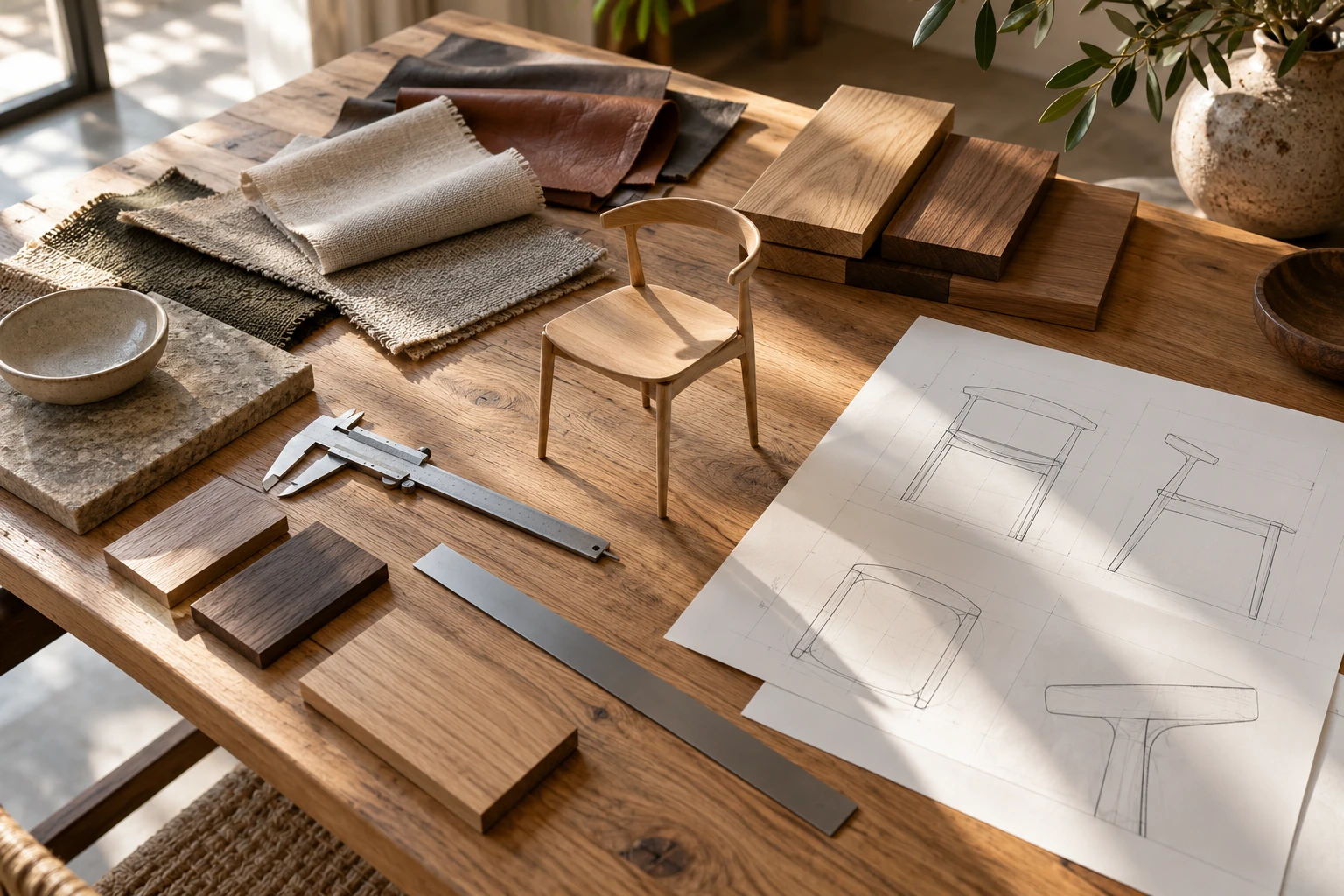
To create an accurate 3D furniture model, a studio needs verified information about the product’s size, shape, construction and finishes. In practice, that usually means some combination of computer-aided design (CAD) files or technical drawings, approved dimensions, reference photos, material references and a clear list of variants.
In this guide, accurate means visual and dimensional accuracy for product CGI, e-commerce and interactive use. A manufacturing-ready engineering model may require a separate CAD workflow, production tolerances and technical documentation.
The right input package depends on the starting point. A finished product with no CAD, a product that exists only in drawings, and a product with a clean production CAD file do not require the same sources.
This guide explains what information is needed. The companion reference-preparation workflow shows how to organize and submit it. If the product is still in development, also read visuals before a physical prototype.
Key takeaways
- Approved dimensions and clear construction references are the foundation of an accurate furniture model.
- The required source package depends on whether CAD or a finished product is available.
- Material accuracy depends on texture scale, direction, gloss and finish placement, not only color.
- Geometry variants should be separated from color-only variants before production.
- Intended outputs such as close-ups, GLB, AR or configurators should be defined early.
What source materials are needed?
1. If you have CAD
Provide:
- current native or exchange CAD;
- approved overall and component dimensions;
- material and finish references;
- a clear variant list;
- notes about moving parts or areas still under development.
2. If the product exists, but there is no CAD
Provide:
- approved dimensions;
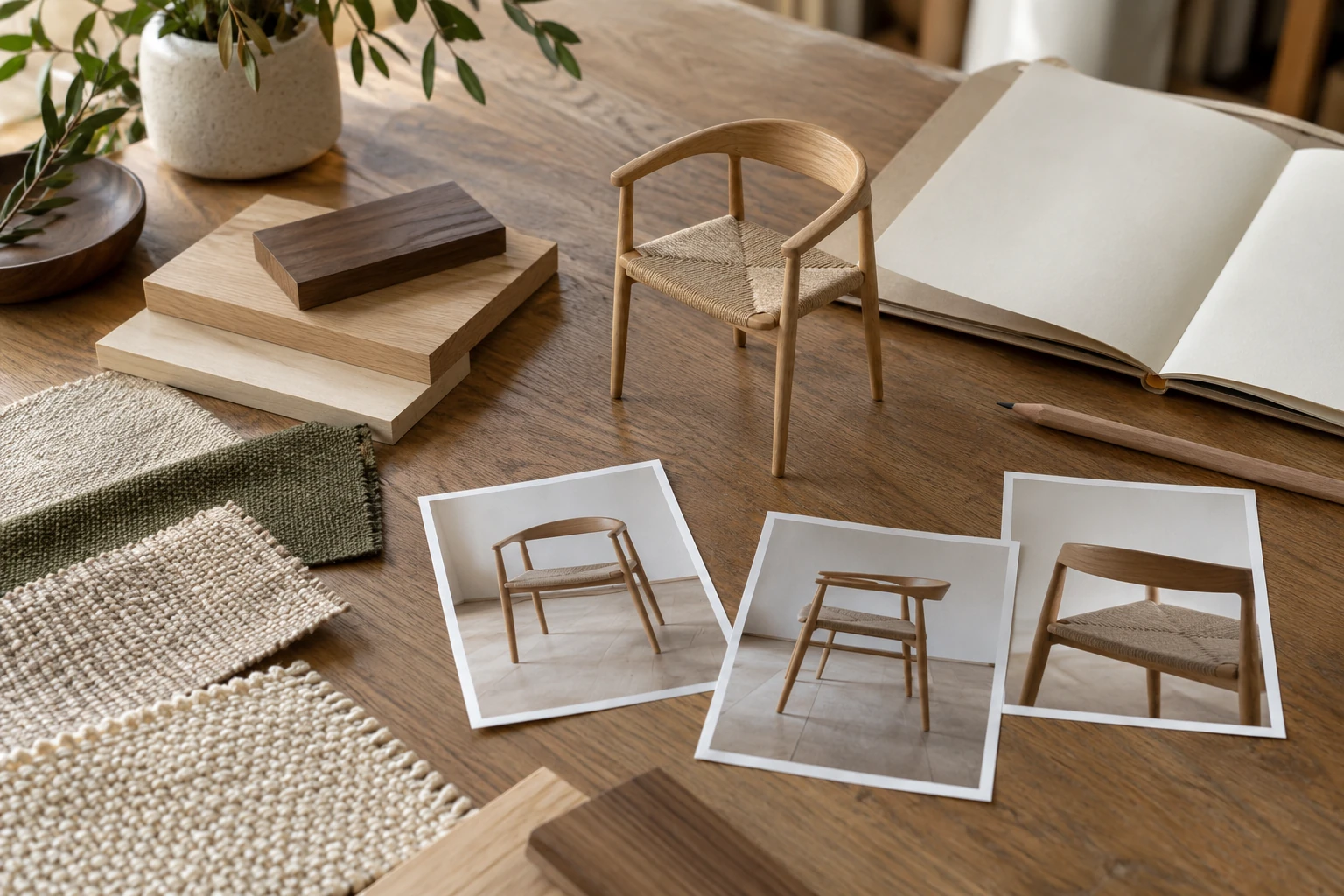
- photos from the front, side, rear and three-quarter angles;
- close-ups of seams, joints, legs, handles and hardware;
- material references for each visible surface;
- open and closed measurements where relevant;
- a list of sizes, colors and configurations.
3. If the product is not yet manufactured
Provide:
- development CAD or technical drawings;
- approved dimensions;
- construction drawings, diagrams or assembly information;
- material specifications and finish references;
- a list of unresolved areas;
- documented and approved assumptions for secondary details that are not yet fixed.
Which file types are useful?
Different file types serve different purposes and should not be treated as equal replacements.
| Input type | Examples | Main use |
|---|---|---|
| Native or exchange CAD | STEP, IGES, SolidWorks, Rhino | Main geometry source |
| Technical drawings | DWG, DXF, PDF | Dimensions and construction checks |
| Mesh geometry | OBJ, FBX | Existing visual geometry that may need cleanup |
Current, complete native CAD can be a strong starting point because it may preserve more design information and component structure. File freshness and approval status matter more than the format alone: an approved, current STEP file can be more reliable than an outdated native file. Confirm which revision represents the product being visualized.
OBJ and FBX files can still be useful, but they normally contain mesh geometry rather than the original parametric design history. They may require cleanup, rebuilding or dimensional verification. Even a detailed visual mesh is not automatically suitable for manufacturing.
Which reference takes priority when files disagree?
Identify the approved product revision and name the person responsible for resolving discrepancies. A recent photo may show a prototype with temporary feet, while an older drawing may contain a dimension that has since changed. Sending both is useful only if their status is clear.
Mark references as approved, provisional or superseded, and explain any exceptions. If the drawing, CAD and photographs disagree about a product-defining feature, resolve that conflict before geometry approval. Keep a short list of confirmed decisions so the same question does not have to be settled again for every color or output.
Why dimensions and construction details matter
Always specify the measurement units used in the brief, drawings and source files, such as millimeters, centimeters or inches. If different files use different unit systems, identify which source is authoritative and include at least one verified reference dimension.
Overall width, height and depth may not be enough. Depending on the product, the studio may also need:
- seat width, depth and height;
- arm height and thickness;
- back angle;
- cushion thickness;
- panel or tabletop thickness;
- leg dimensions and spacing;
- open and closed positions;
- modular dimensions;
- seam, piping or join locations.
Khronos’ Asset Creation Guidelines emphasize correct scale, units and orientation for commerce-ready 3D assets. These principles are especially relevant when furniture models may later be used in web or XR experiences. Khronos Asset Creation Guidelines 2.0
Construction references can be equally important. Useful inputs include section drawings, assembly drawings, exploded views, hardware references and production photos. A model can match the outer dimensions and still look wrong if cushion structure, joinery or component relationships are inaccurate.
What photographs should you provide?
Photos help explain form, softness, edge treatment and how components meet.
For upholstered furniture, CAD or drawings may define the frame and overall dimensions but not the final softness of the product. Where a prototype or finished product exists, provide close-up photos or short videos showing cushion volume, seam and piping placement, fabric tension, wrinkles and how soft components meet the frame.
A useful photo set usually includes:
- front, side, rear and three-quarter views;
- top or underside where relevant;
- open and closed states;
- seams, joints, edges, handles and hardware;
- close-ups where different materials meet.
For better reference photos:
- avoid ultra-wide or 0.5× phone-camera mode;
- step back from the product;
- keep the camera level;
- use the standard lens, or an optical 2× lens if available;
- avoid digital zoom;
- photograph in even, neutral light;
- send original files instead of compressed screenshots.
The photos do not need to look like a commercial shoot. They need to answer the modeling questions clearly.
What material references are needed?
Material accuracy is not only about color. A convincing finish also depends on texture scale, grain or weave direction, gloss level and surface variation.
From the client side, the goal is not to supply finished physically based rendering (PBR) texture maps. The goal is to provide reliable real-world references that let the CGI team build accurate digital materials.
Physical samples
Physical samples are usually the most reliable reference for color-critical, textured or reflective finishes, especially:
- fabrics;
- leather;
- veneer or solid wood;
- lacquer or paint;
- powder-coated metal;
- stone;
- textured glass;
- translucent plastic.
They are not a perfect guarantee by themselves because final appearance still depends on lighting, calibration and display conditions.
Material photographs
If physical shipping is impractical, provide high-resolution photos showing:
- the overall appearance;
- a close-up of texture or grain;
- direction where relevant;
- gloss or reflectivity from more than one angle;
- supplier or collection codes;
- scale reference when useful.
Adobe Substance 3D Sampler can create PBR channels from images, which is one reason clean and consistent material photography can be useful input. Adobe Image to Material
Color and finish specifications
RAL, Pantone and supplier color references can help identify a target color, but they do not define texture, gloss, grain, coating or transparency.
If a supplier provides seamless textures, PBR maps or Substance 3D asset (.sbsar) files, share them with the studio together with the supplier code and real-world scale. These files may reduce setup time, but their color, compatibility and usage rights should still be checked.
How should finishes be assigned to product components?
Important: map every finish to a specific component. A finish list on its own is not enough. Use a marked-up image, drawing or component schedule to show exactly where each fabric, wood, metal, plastic or coating should be applied.
For example:
- frame: black powder-coated steel;
- seat and back cushions: fabric A;
- leg caps: matte black plastic;
- side insert: natural oak veneer.
This is much clearer than sending a separate list of finish names with no component mapping.
What should be clear for each major furniture material?
| Material | What should be clear |
|---|---|
| Fabric | Weave scale, direction, pile, pattern repeat, sheen and color |
| Leather | Grain size, finish type, gloss, coating and natural variation |
| Wood or veneer | Species, stain, gloss, grain direction and veneer layout |
| Metal | Finish type, coating, reflectivity and brushed direction |
| Glass | Tint, transparency, frosting, thickness and edge treatment |
| Stone | Vein scale, direction, finish level and edge treatment |
| Plastic | Matte or polished finish, texture and translucency |
| Lacquer or paint | Color code, gloss level, surface texture and metallic or pearlescent effects |
| Laminate or HPL | Supplier reference, pattern scale, surface texture and edge treatment |
For patterned materials, also specify how the pattern should align across the seat, back, arms or other components.
How should variants be documented?
Separate finish-only variants from geometry variants before production.
| Variant | Geometry changes? | Finish changes? | New dimensions? |
|---|---|---|---|
| Fabric color B | No | Yes | No |
| Walnut finish on unchanged frame | No | Yes | No |
| 3-seater version | Yes | Possibly | Yes |
| Alternative leg design | Yes | Possibly | Possibly |
| Modular layout C | Yes | No | Yes |
A color change can usually reuse the approved geometry. A new size, component or modular layout may require additional modeling. Alternative legs may change the overall height, footprint or connection points, so confirm their dimensions even when the rest of the product stays the same. The table assumes that a finish change leaves the underlying component unchanged; a different construction or solid-wood profile needs its own assessment.
What should be defined about the outputs?
Tell the studio whether the model will be used for:
- standard product renders;
- close-ups;
- lifestyle scenes;
- 360° product views;
- animation;
- GLB delivery;
- AR;
- configurators;
- retailer or marketplace listings.
A model built only for one distant view may not contain enough detail for close-ups or interactive use. Khronos’ Asset Creation Guidelines cover geometry, materials, file structure and optimization for web and XR, so the intended outputs should be defined before the master asset is finalized. Khronos Asset Creation Guidelines 2.0
What if some information is missing?
Clients do not normally need to provide UV layouts, render-ready shaders, lighting, cameras or optimized GLB files. Those are production tasks for the CGI team.
The important question is whether the missing information affects product accuracy.
Some non-critical details can be completed using documented and approved assumptions. Product-defining dimensions, construction details and finishes should be confirmed before final production.
Small secondary details may be interpreted with approval. Critical dimensions, structural logic and real finishes should not be guessed.
How does the approval process work?
A compact workflow is usually enough:
- Asset audit — review files, drawings, photos, materials, variants and outputs.
- Geometry approval — confirm size, proportions, construction and component structure.
- Material approval — confirm visible fabrics, wood, leather, metal and other finishes.
- Production — create the final images, variants or interactive outputs from the approved master asset.
This helps prevent one geometry or material error from being repeated across a full gallery or product family.
Example: an upholstered chair
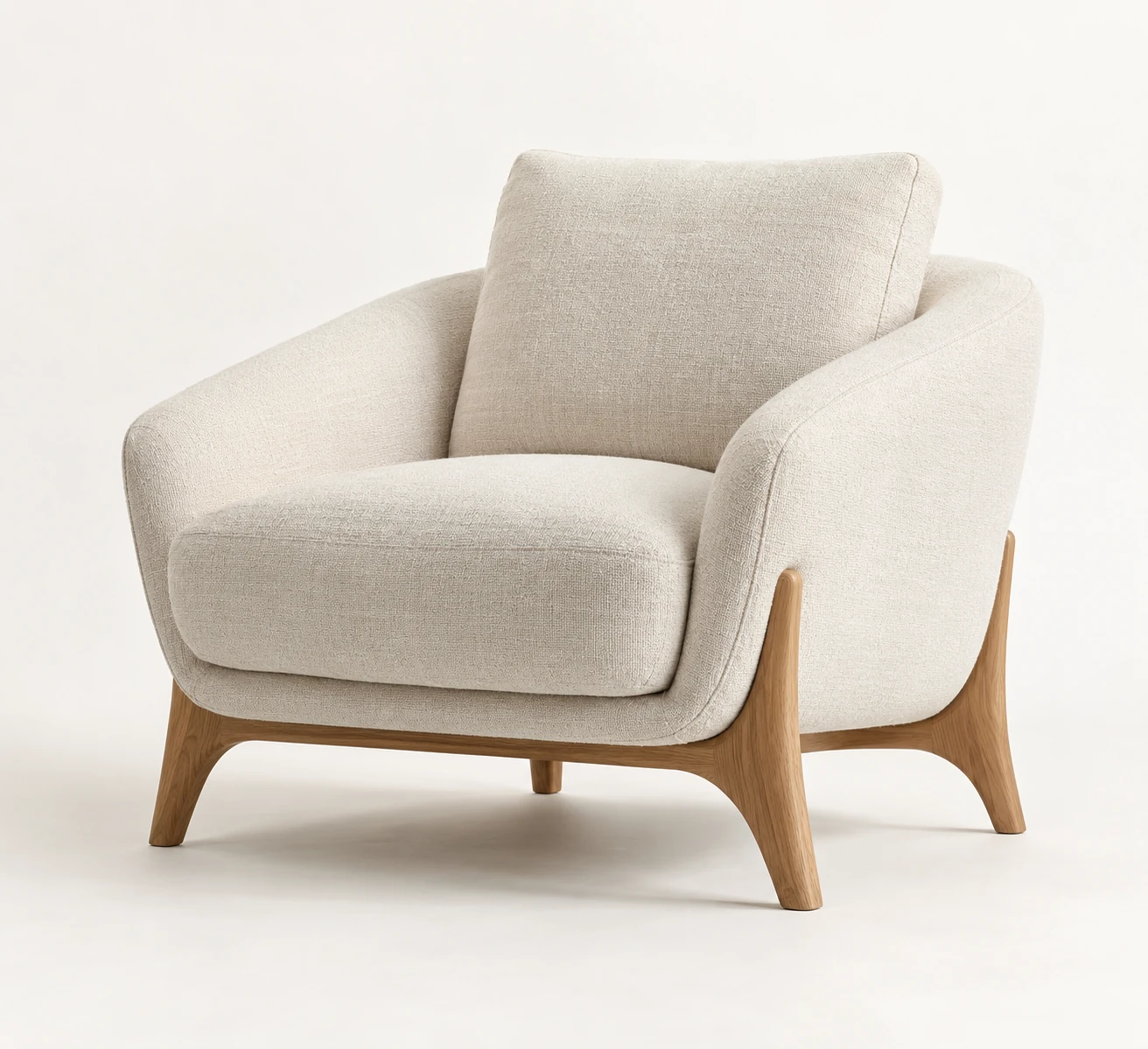
For an upholstered lounge chair, a strong brief could include a current CAD file or dimensioned drawing, approved seat and overall measurements, photos from all important angles, seam and cushion close-ups, a fabric swatch, leg-finish references and a list of color or leg variants.
If those references are complete and consistent, the studio can build one approved master model and adapt it for the required product views, close-ups, lifestyle images and planned interactive outputs, with additional preparation where the delivery format requires it.
Checklist before sending a furniture modeling brief
- The current product version is identified.
- Approved dimensions and units are included.
- CAD or drawings match the current design.
- Photos show all important sides and details.
- Construction logic is clear where it affects visible form.
- Each visible finish has a reliable reference.
- Each finish is linked to the correct component.
- Pattern or grain direction is documented where relevant.
- Geometry variants are separated from finish-only variants.
- Required outputs are listed in advance.
- One person or team is responsible for consolidated approval.
Frequently asked questions
Can an accurate furniture model be created without CAD?
Yes. A studio can work from approved dimensions, drawings and photographs. CAD usually helps, but it is not the only valid starting point.
Are photographs enough on their own?
Sometimes for a simple product, but not always. Photos do not reliably replace approved dimensions or hidden construction information.
Do I need to provide physical material samples?
Not always, but they are usually the most reliable reference for color-critical, textured or reflective finishes.
Is an OBJ or FBX file the same as CAD?
No. It may still be useful, but it is normally mesh geometry rather than parametric production data.
Conclusion
An accurate 3D furniture model depends on verified dimensions, clear construction references, reliable finish information and a structured variant list. The exact package will vary depending on whether CAD or a finished product is available and how the model will be used.
Planning a furniture modeling project? Explore our 3D modeling services or send us the available source materials for one representative product so we can clarify what is needed for a reliable quote.
Sources
Put the thinking into practice.
Explore the relevant studio service, then tell us what you are planning.
Explore the service