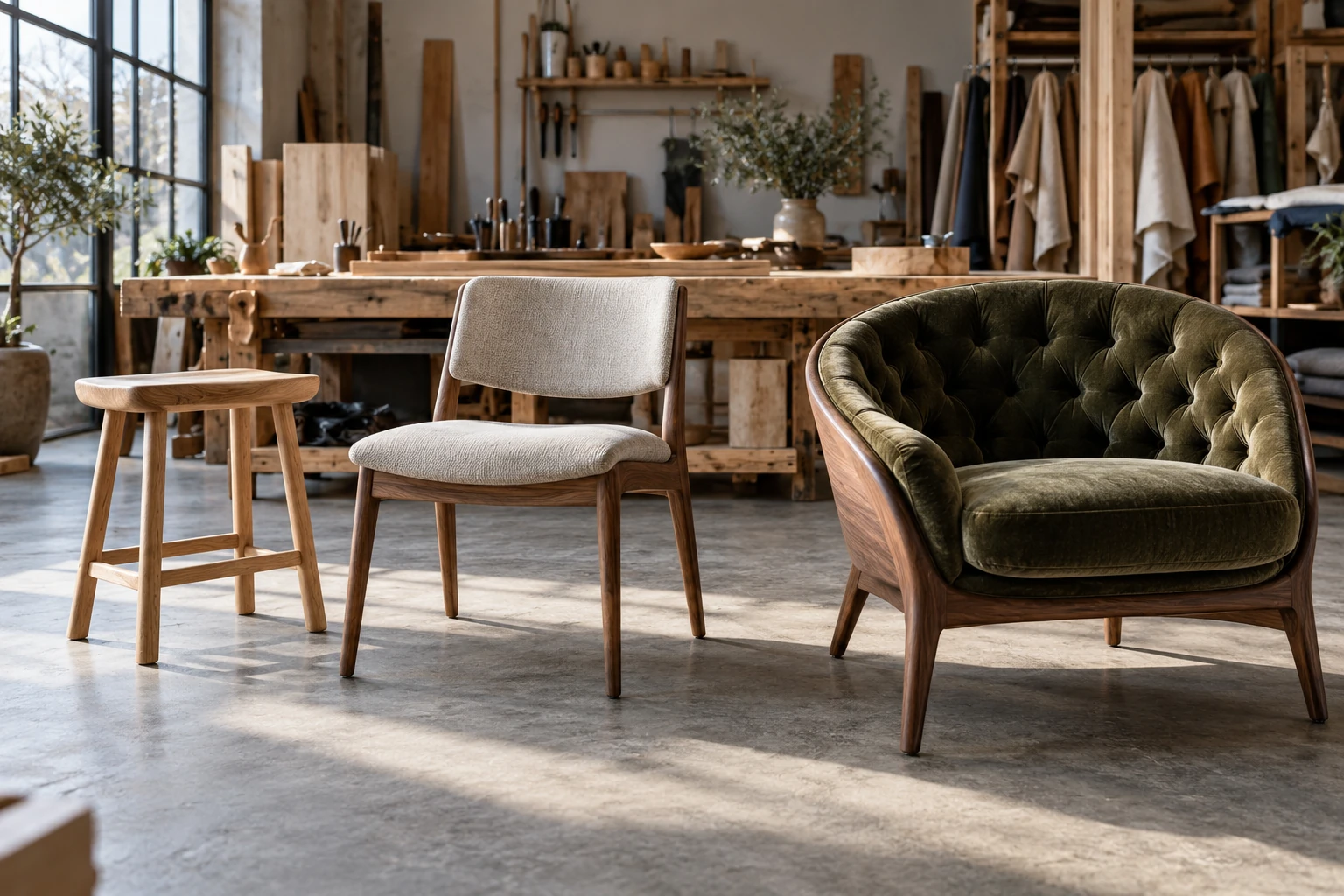
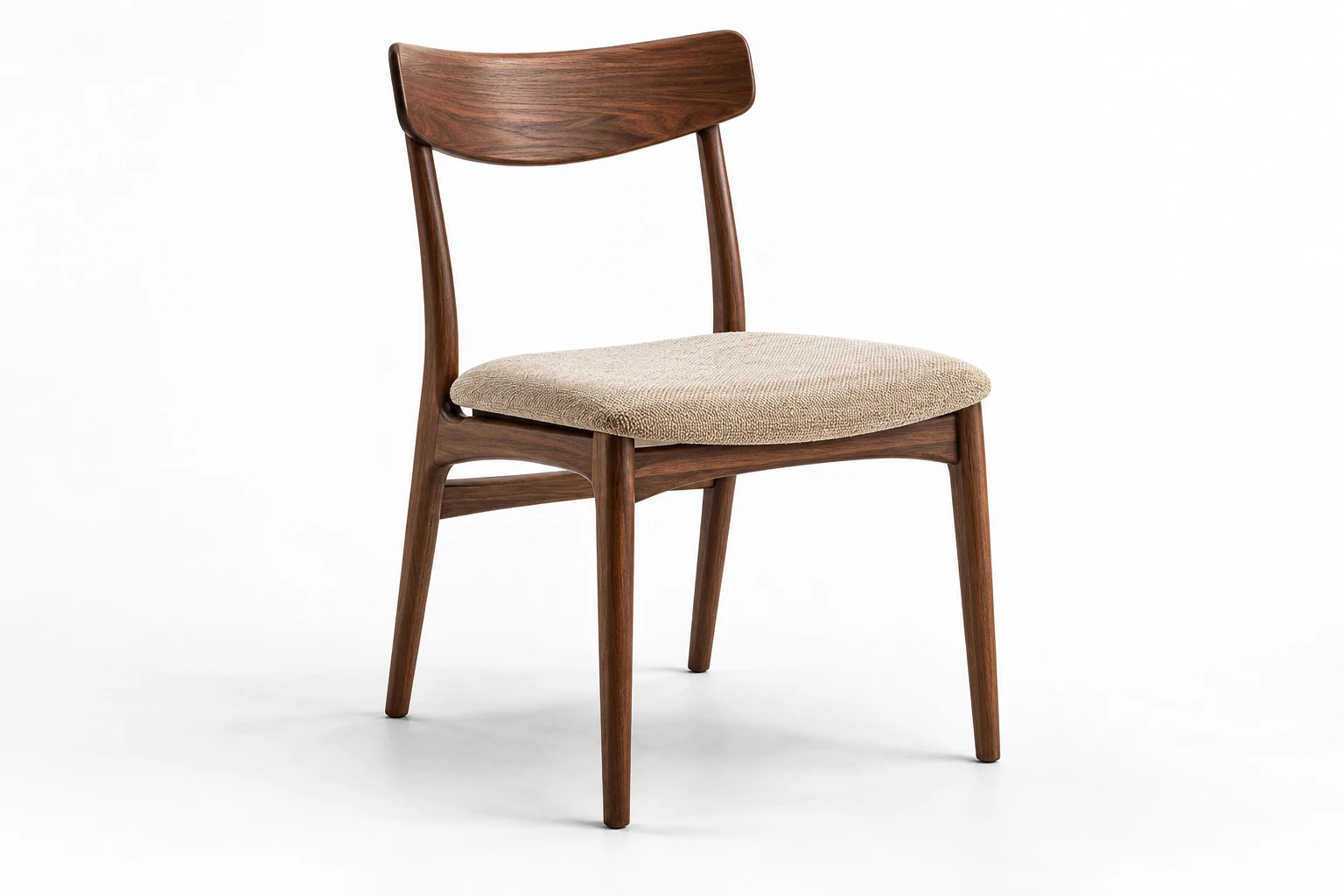
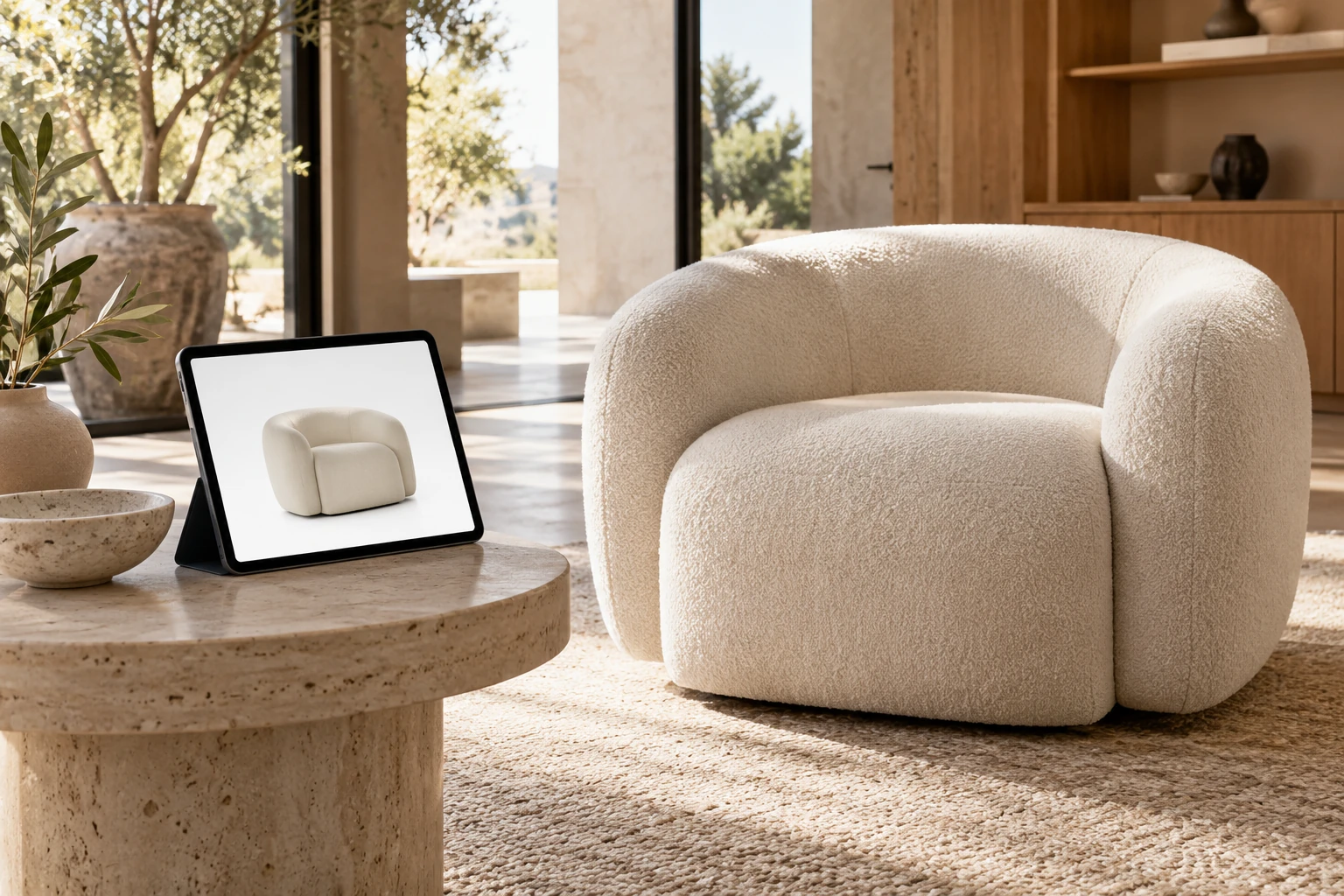
What is a furniture PDP content pack?
Plan the views, details, dimensions and context a customer needs before choosing a piece of furniture.
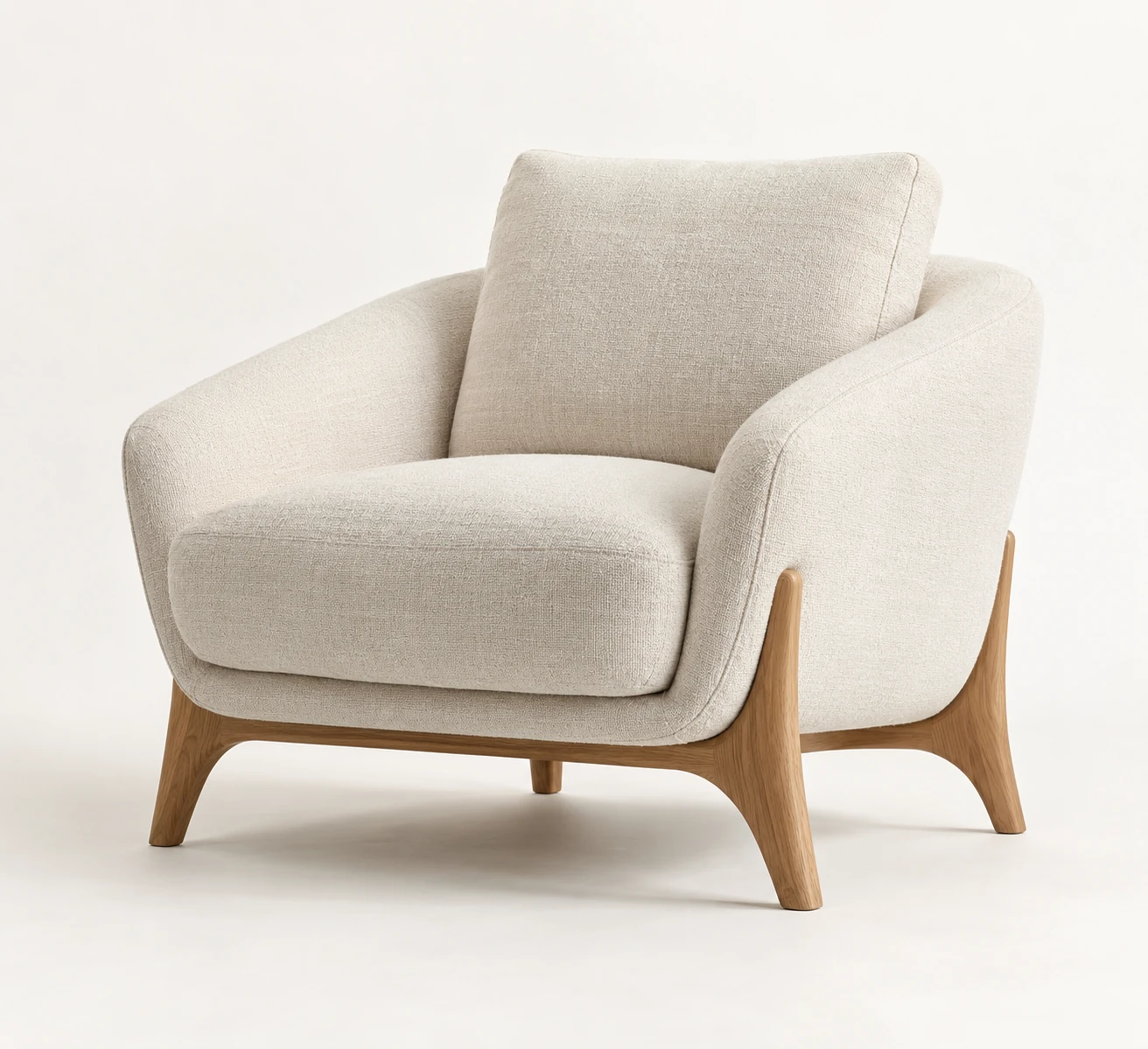
A furniture PDP content pack is an organized set of visual and media assets for a product detail page. It helps shoppers understand the furniture, compare options and assess whether it fits their space.
CGILighthouse's core image pack comprises seven images: four white-background product views, one detail image, one dimensions image and one lifestyle image. Additional variant images, animation, 360° views and interactive 3D are separate scope decisions.
The broader term “PDP content pack” is not an industry standard. Different suppliers may include different deliverables, so the agreed offer should identify exactly what will be produced and delivered.
This guide explains the role of each asset, the difference between core coverage and additional work, the inputs required and how to organize delivery across websites, retailer portals and marketplaces.
For the current studio offer, read the PDP pricing and scope guide. The separate white-background checklist helps turn the chosen image set into channel-ready exports.
Key takeaways
- A PDP content pack supplies visual assets; it does not constitute the complete product page.
- The core image set contains seven images: four white-background product views, one detail, one dimensions graphic and one lifestyle scene.
- Variant coverage and optional interactive formats must be specified separately.
- Some listings or selected options may need an image of the exact combination of fabric, finish, size and configuration.
- Formats, rights, approvals and delivery responsibilities should be agreed before production.
- A repeatable structure helps a catalogue maintain consistent coverage and makes later updates easier to organize.
What does PDP mean?
PDP stands for product detail page: the page dedicated to a product or product group in an online store.
A furniture product page commonly contains:
- title and description;
- price and availability;
- selectable colours, materials, sizes or configurations;
- an image and media gallery;
- dimensions and specifications;
- delivery, assembly and care information;
- reviews and other trust information;
- complementary products;
- purchasing controls.
The content pack provides visual and media assets for that page. Storefront development, inventory, checkout and reviews are separate parts of the e-commerce system.
A CGI studio may supply renders, dimensions graphics and a commissioned web-ready model, while the client's product-data, content and development teams handle copy, pricing, technical integration and publication. Responsibilities should be explicit even when one supplier performs several of these tasks.
What can a furniture PDP content pack include?
The following asset types serve different purposes. The first four form the seven-image core; later categories describe additional production or delivery requirements that need an agreed scope.
1. Four core product views
The core pack includes four white-background product views. Any alternative background treatment requires a separate scope agreement.
The four views might be:
- front;
- three-quarter front;
- side;
- three-quarter rear or rear.
Choose the angles around the product's construction. A rear view can replace another selected angle when it reveals more useful information. Any extra angle is additional coverage, not an uncounted part of the four-view set.
The views should help shoppers inspect shape, proportions and visible components. Across the catalogue, camera height, scale, crop, shadows, margins and background should follow an agreed standard.
A complex modular or transformable product may need more coverage than the core set. Plan those extra states explicitly. Our white-background rendering guide explains the presentation requirements in more detail.
2. One useful detail image
A close-up should reveal information that is difficult to see in the overall views. Depending on the product, it could show:
- upholstery texture;
- stitching and seams;
- wood grain;
- joints and edge profiles;
- handles and hardware;
- leg construction;
- surface finish;
- an adjustable component;
- a storage or opening mechanism.
Select the detail that best answers a buying question. An attractive texture crop should not displace an important construction or function detail. If several details are essential, agree additional images rather than assuming they are all covered by the single core detail image.
3. One dimensions image
A dimensions graphic places approved measurements on or around a clear product view. The relevant measurements may include:
- assembled width, height and depth;
- seat height and depth;
- arm height;
- clearance beneath the product;
- open and closed dimensions;
- the dimensions of a specific module or configuration.
Packaged or carton dimensions belong in separate delivery information when combining them with assembled dimensions could confuse shoppers.
Baymard's research supports using dimensions images to connect measurements with the relevant parts of a product. This is guidance on comprehension, not a guarantee of sales performance.
Keep labels legible on mobile. The page should also provide dimensions as accessible text, even when publishing that text is the client's responsibility rather than part of the visual pack.
Use approved technical data. Do not estimate measurements from a render or reference photograph. Different sizes, configurations or open states may require additional dimensions graphics beyond the core image.
4. One lifestyle or in-room image
A lifestyle image places the product in a believable environment. It can communicate:
- scale;
- intended use;
- style;
- relationships with surrounding finishes and objects;
- a suitable room setting;
- the brand's visual character.
Room context can help shoppers understand whether furniture is compact, substantial, low or high in relation to its surroundings. Baymard's research recommends images that show products in relation to familiar objects or settings.
The product, surrounding objects and room must retain credible proportions. Do not alter dimensions, materials or the selected configuration to improve the composition. Agree the room direction and the product variant before producing the scene.
5. Additional material, colour and configuration images
Variant imagery can cover fabrics, leather, wood, lacquer, metal finishes, legs, handles, bases, sizes and modular combinations.
Plan this work separately from the seven core images. Define which combinations need a main image, which require additional angles and which can share information without becoming misleading.
Google's product-image guidance calls for imagery that represents the specific variant, including its distinguishing colour, finish and material. Check the requirements of every destination channel.
An approved model and material library can support controlled variant production. Accuracy still requires more than changing colour: weave, gloss, grain direction, texture scale and natural variation may also differ.
6. Additional feature and mechanism images
Some products need a visual explanation of how they work. Examples include:
- a sofa bed in open and closed positions;
- an extending table;
- adjustable shelving;
- storage compartments;
- reclining mechanisms;
- modular connections;
- removable covers;
- cable management.
An annotated still, step-by-step sequence, animation or video may be appropriate. A drawer may need an open-state image; a transformation with several movements may be clearer in motion.
Agree the required states and format rather than treating every mechanism as another angle of the same static model. Our comparison of product animation and static rendering explains how to choose between them.
7. Optional video, 360° views and interactive 3D
Add these formats when they answer a product question or meet a channel requirement. Shopify supports several product-media types, but videos and 3D models require compatible theme support.
360° product view
An image sequence or interactive spin lets the shopper inspect the product around its vertical axis. It is a different deliverable from a freely navigable 3D model.
Product animation
Motion can explain mechanisms, assembly, modularity or internal construction that is difficult to communicate in a single still.
GLB product model
A prepared GLB file can support compatible interactive viewers and some AR or marketplace workflows. Its usefulness depends on appropriate geometry, textures, scale and platform support. See how GLB models are used in e-commerce for the delivery considerations.
AR-ready asset
A model prepared for a supported augmented-reality experience needs correct scale and technical compatibility. The file alone does not provide the complete customer-facing experience.
Configurator assets
A configurator needs models, materials, components and valid combination rules, plus implementation. Our guide to 3D configurators for customizable furniture covers that broader scope.
These formats require separate preparation and agreement. A detailed rendering model is not automatically optimized for web viewing, AR, animation or configuration.
8. Channel-ready exports and asset mapping
Delivery requirements should specify more than the existence of master images. They may include:
- web-ready and high-resolution versions;
- agreed formats;
- channel-specific dimensions and aspect ratios;
- filenames linked to stock keeping units (SKUs);
- variant and configuration identifiers;
- folders organized by product and output type;
- a manifest mapping each file to its intended product and use.
Different crops and file formats do not necessarily represent additional original images. Keep the core image count, extra creative production and export requirements distinct in the scope.
Clear mapping becomes increasingly important as products, materials and channels multiply. The e-commerce team must be able to identify the exact option represented by each file.
The seven-image core and additional scope
The core structure is:
| Core asset | Image count | Purpose |
|---|---|---|
| White-background product views | 4 | Shape, proportions, comparison and catalogue consistency |
| Detail image | 1 | A useful material, construction or feature detail |
| Dimensions image | 1 | Fit and size assessment using approved measurements |
| Lifestyle image | 1 | Scale, use and room context |
| Total | 7 | Core coverage for the agreed product configuration |
Additional variants, feature states, extra room scenes, animation, 360° views and GLB files are not implied by this image count. They must be identified in the agreed offer. Export formats, delivery organization and usage rights also need explicit confirmation.
The broader examples in this article illustrate how a project can expand beyond the core. They do not amend the approved offer or establish an industry-wide package. The signed scope determines what is included for the particular product and its variants.
What is not automatically included?
Unless expressly agreed, a visual content pack does not automatically include:
- website or storefront development;
- product-pricing and inventory feeds;
- checkout or review functionality;
- shipping calculations or return-policy setup;
- product information management (PIM) or content management system (CMS) implementation;
- Google Merchant Center feed management;
- structured-data implementation;
- copywriting or translation;
- ongoing catalogue administration.
These tasks may belong to the client's e-commerce, development, product-data or content teams. Confirm whether the supplier is delivering assets only or also handling uploads, localization and technical implementation.
Why use a repeatable pack structure?
A consistent structure gives each product a defined baseline of visual coverage. It can help a brand:
- avoid incomplete or uneven galleries;
- maintain camera, crop, background and naming rules;
- use a repeatable launch process;
- adapt approved images for retailers and marketplaces;
- plan the coverage required for variants;
- reuse approved models for future finishes, scenes and formats.
The aim is to answer useful questions with a manageable set of assets. Repeated images that add no information can make the gallery harder to navigate without improving coverage.
How is a furniture PDP content pack created?
1. Define channels and deliverables
Agree the destination channels, product views, configuration, variant coverage and required crops or formats. Separate the core image set from additional work.
2. Review the documentation and references
Review available CAD files, drawings, dimensions, photographs, assembly information, material references and configuration rules. Resolve missing or conflicting information before modeling.
3. Build or prepare the model
Existing CAD may need cleanup and visual optimization. If no suitable model exists, build one from approved dimensions and references. Approve geometry before producing the whole pack.
4. Create and approve materials
Recreate fabric, wood, metal, stone, lacquer and other finishes from the supplied references. Approve a master finish before expanding to avoid repeating a material error across the complete set.
5. Approve the master view
Confirm proportions, visible construction, material appearance, camera, lighting, background, shadows and crop. Use the approved setup as the basis for the remaining product views.
6. Produce the agreed assets
Create the views, detail, dimensions graphic and room scene, along with commissioned variants or additional images. Animation, GLB and 360° outputs need their own preparation and checks.
7. Check and deliver
Review accuracy, measurements, variant identifiers, crops, materials, formats, naming and completeness. Organize the files so each can be assigned to the correct SKU, configuration and channel.
What documentation and references should the manufacturer provide?
Useful inputs include:
- CAD files, if available;
- technical drawings and approved dimensions;
- assembly instructions;
- photographs from several angles;
- close-ups of seams, joints and hardware;
- physical swatches or reliable material references;
- colour and finish information;
- variant and configuration lists;
- SKU identifiers and product hierarchy.
Complete, approved inputs reduce assumptions and repeated corrections. Our guide to documentation and references for an accurate furniture model explains what to prepare and how to identify gaps.
How many assets does a product page need?
The seven-image core is a defined production structure, not a guarantee that every product question is answered. A simple product may be well covered by that set. A modular or transformable item may need more configurations, open states, dimensions graphics or interactive content.
Review the gallery against the actual buying questions: shape, material, dimensions, scale, selected option and operation. Add content where an important answer is missing, and avoid unnecessary repetition.
How should variants be planned?
A complete gallery for every combination is not always necessary. However, reducing gallery duplication must not leave the selected product inaccurately represented.
A plan might include:
- a complete core gallery for the main configuration;
- a main image for each required sellable variant or combination;
- extra angles where geometry or construction changes;
- close-ups for materials that need more explanation;
- separate dimensions graphics for different sizes;
- selected room scenes for campaign variants;
- configurator assets for a large option set.
One image per fabric plus a separate image of an alternative base does not necessarily cover a product combining that fabric and base. An exact-combination image may be needed for the selected option or a channel listing. Check the destination requirements and map each SKU to an accurate image.
Shared secondary images can still be useful when they apply to the selected option and their context is clear. A configurator does not automatically replace the static images required by a retailer or marketplace.
Illustrative example: an upholstered lounge chair
Consider a hypothetical chair with one frame, two leg finishes and eight fabrics. This is a planning example, not a client result or a statement of standard package inclusions.
The manufacturer supplies CAD geometry, approved dimensions, reference photographs, fabric swatches and finish samples.
The seven-image core for the agreed main configuration consists of:
- four white-background product views;
- one upholstery or construction detail;
- one dimensions image;
- one lifestyle image.
Additional variant coverage could include three-quarter views showing the required fabric-and-leg combinations. If all eight fabrics are sold with both leg finishes, there are 16 possible combinations. Whether each needs its own main image depends on the storefront and channel requirements; the plan must not assume that eight fabric images and one separate leg-finish image represent all 16 accurately.
The delivery specification can also define web exports and a manifest connecting images to SKUs. Optional additions could include a 360° view, a GLB model or further room scenes for selected campaign fabrics.
Only the seven core images are identified as the core set here. Variant production, interactive files and other delivery requirements must be confirmed in the offer. The example does not promise that the complete scenario is covered by a core-pack price.
What should be clarified before production?
Confirm:
- exact products, configurations and deliverables;
- which variants receive full or reduced galleries;
- any need for exact-combination main images;
- resolutions, formats and channel requirements;
- responsibility for measurements and annotations;
- geometry and material approval stages;
- the agreed revision process and included work;
- usage rights and source-model ownership;
- whether editable files are delivered;
- storage and future-update terms;
- who uploads and connects the assets to the storefront.
Record these decisions before approval. A discussion of possible deliverables does not by itself add them to the agreed scope.
Frequently asked questions
Is a content pack the same as a product page?
No. The pack supplies organized visual and media assets. The page also needs pricing, availability, purchasing controls, product information, delivery details and storefront functionality.
Does every furniture product need a lifestyle image?
Room context is particularly useful for scale, use and style, and one lifestyle image is part of the seven-image core described here. A separate custom brief might use a shared collection scene or another approach, but that is a scope decision rather than an automatic substitution.
Does every colour need a complete gallery?
Not necessarily. Secondary variants may need fewer images, but the selected option must still be represented accurately. Some channels or combinations need their own main image even when other gallery images are shared.
Can one model produce the whole pack?
Often, an approved model can support product views, details, dimensions graphics, room scenes and variants. GLB, AR, animation and configurator outputs may need additional preparation.
Are editable models included?
Not automatically. Final images, a web-ready GLB and an editable production scene are different deliverables. The agreement should state which files and rights are included.
How much does a content pack cost?
Use the applicable approved offer for the product and scope. Confirm the condition of the source model, geometry, materials, core images, variant coverage and any optional outputs. Do not assume that an illustrative project in this article defines what is included in a quoted pack.
Planning a useful product gallery
A furniture content pack organizes product views, details, approved dimensions and room context into a coherent gallery. Accurate variant mapping and clear delivery make those images usable across channels.
Start with the seven-image core, then identify any additional content the product or destination requires. Record that work explicitly so the illustrative possibilities remain separate from the approved offer.
Explore our furniture 3D rendering services or send us your product documentation and references to discuss the required gallery.
Put the thinking into practice.
Explore the relevant studio service, then tell us what you are planning.
Explore the service