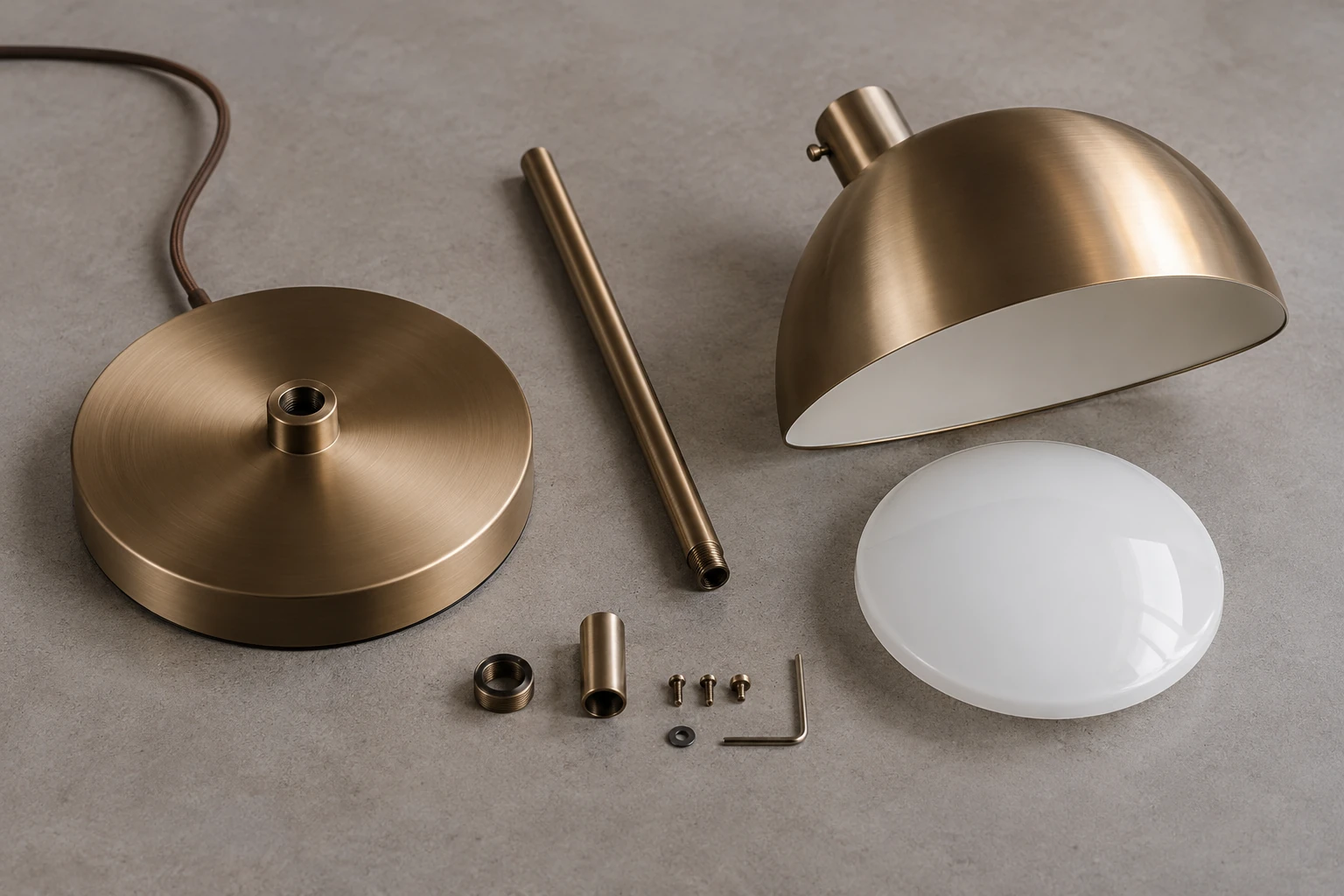
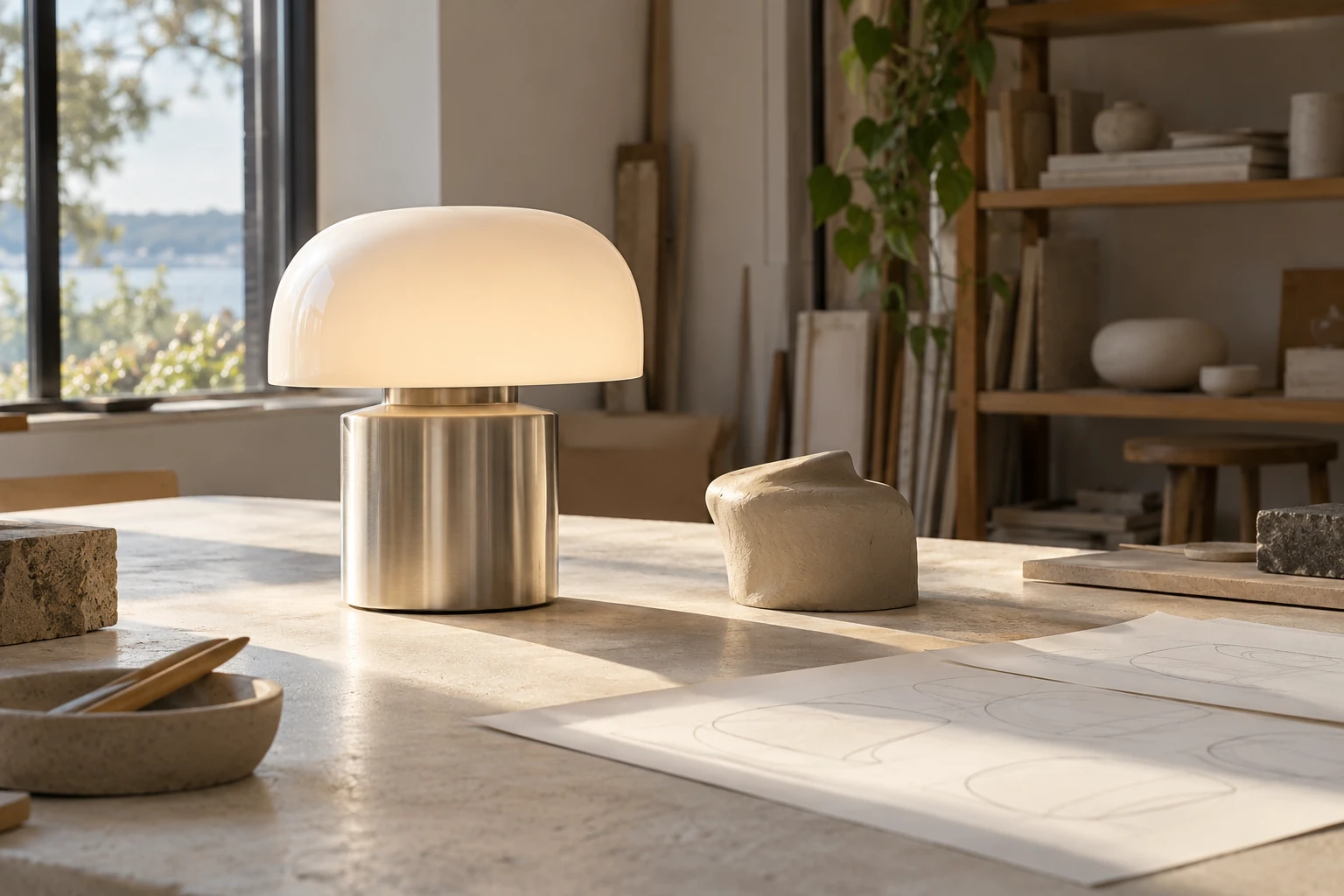
3D product animation vs static rendering
Choose still images, motion or both by the question your customer needs answered.
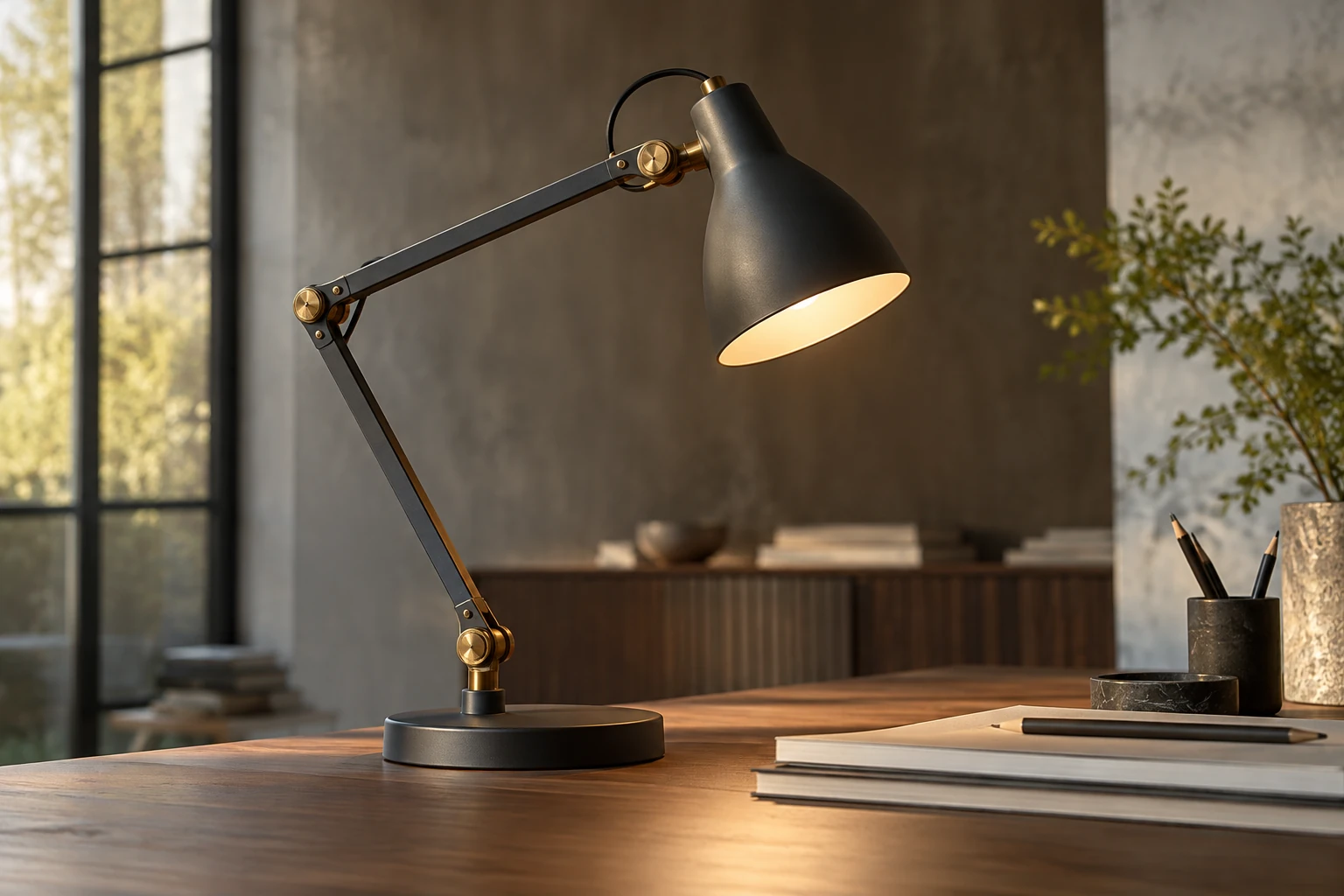
Static 3D rendering is usually the better foundation when a brand needs clear product images for product detail pages (PDPs), catalogs, marketplaces, print and large numbers of stock-keeping units (SKUs). It is usually faster to review, easier to distribute and more efficient to scale across angles, colors and materials.
3D product animation becomes more valuable when motion itself explains the product: a mechanism opens, modules reconfigure, parts assemble, a lamp changes position or an internal feature is revealed. For many brands, still images provide the core product coverage while animation is added where movement contributes information or campaign impact.
If the explanation depends on hidden parts, the exploded-view guide goes deeper into component relationships. If the design is not final, start with pre-prototype visualization to define what the sequence can responsibly show.
Key takeaways
- Static renders are usually the most scalable format for PDP galleries, catalogs, marketplaces and product variants.
- Animation is strongest when a buyer needs to understand movement, transformation, assembly or product features over time.
- Animation adds production stages such as shot planning, timing, rigging (setting up controllable moving parts), animatics, editing and rendering multiple frames.
- Neither format is automatically better for conversion; the useful format is the one that answers the shopper’s question most clearly.
What is the difference between static rendering and 3D product animation?
A static 3D render is one finished image generated from a 3D scene. Typical examples include:
- white-background product views;
- hero images;
- close-ups;
- lifestyle scenes;
- dimension graphics;
- material or color variants.
A 3D product animation is a sequence of rendered frames presented over time. The product, camera, environment or materials can move or change.
Common types include:
- turntable or camera-move animations;
- mechanism demonstrations;
- exploded views;
- assembly sequences;
- transformation or configuration animations;
- material transitions;
- cinematic launch films.
A rendered turntable video should not be confused with an interactive 360° spin, in which the user controls the product view.
The main distinction is the question each format answers.
A static render primarily shows what the product looks like. Animation can show what happens when it moves, changes or is used.
That distinction is more useful than treating animation as simply a “premium version” of a still image.
Static rendering vs 3D animation at a glance
| Criterion | Static 3D rendering | 3D product animation |
|---|---|---|
| Main job | Show appearance, materials, proportions and context | Show motion, sequence, transformation and operation |
| Strongest channels | PDPs, catalogs, marketplaces, print, image ads | Product pages, launch films, paid social, presentations, tutorials |
| Review process | Individual approved views | Shots, timing and transitions must also be approved |
| Production complexity | Lower after the model and materials are approved | Higher because motion and time introduce extra stages |
| Typical production time | Usually shorter after the model is approved | Usually longer because timing, motion and editing must also be approved |
| Relative production cost | Usually lower for comparable quality and scope | Usually higher, although complexity matters more than duration alone |
| Product variants | Efficient for many colors and finishes | Possible, but every additional animated variation may add rendering and editing work |
| File delivery | Individual image files | Video files plus poster frames, thumbnails and channel-specific cuts |
| Best for large catalogs | Usually yes | Better reserved for selected products or repeatable templates |
| Best for mechanisms | Limited unless several states are shown | Strong |
| Best for print | Yes, at a suitable resolution | Video cannot play in print; selected frames may work as stills if their quality and resolution are sufficient |
| Storytelling potential | High within one composition | Higher when sequence and pacing matter |
When is static rendering the better choice?
Static rendering is usually stronger when buyers need fast product inspection and the brand needs repeatable coverage across many products.
PDPs, marketplaces and catalogs
Front, side and three-quarter images, close-ups, dimensions and lifestyle views let shoppers jump directly to the information they need. Static images also work naturally in category pages, marketplace galleries and thumbnails.
Once the base geometry, cameras and lighting are approved, the same visual system can be repeated across colors, materials and related products. Consistent views also make products easier to compare side by side.
Print and sales materials
Static renders can be reused in brochures, specification sheets, retailer decks, packaging and large-format graphics.
A simple chair, lamp, cosmetic package or decorative object may also be fully explained in a few strong frames. In that case, animation can add production cost without adding useful information.
When is 3D product animation the better choice?
Animation is strongest when the product has a before, during and after.
Google’s e-commerce guidance notes that video on product pages can provide functional or inspirational information that static images do not communicate as directly—for example, showing how a product collapses or is used in context. Google Search Central discusses video for e-commerce product pages here.
Mechanisms, transformation and configuration
Animation can show a recliner opening, an extendable table changing size, a folding appliance or an adjustable light fixture, or reveal the internal components of a machine. It can also explain how modular parts separate, connect or form another configuration.
Instead of asking the shopper to infer movement from several images, animation shows the transition directly.
Assembly and internal structure
Exploded views and assembly sequences can reveal parts that would otherwise be hidden and show how they connect or move.
Product launches and campaign content
Movement can create pacing and a more cinematic presentation for launch pages, trade-show screens, paid social, reels and brand films.
The key is that the animation should have a job. A slow rotation that reveals no new information may not justify a full animation production.
Does animation replace static product images?
Usually, no. Buyers may want to stop on a close-up, compare finishes, read dimensions or inspect a product from a specific angle, which static images allow immediately.
Animation is best treated as an additional layer when movement communicates something a still image cannot. The core PDP gallery can remain static while one short animation explains the product’s most important mechanism, transformation or use case.
How does the production workflow differ?
Both formats share the same foundation: brief and reference review, computer-aided design (CAD) or source-material audit, 3D modeling, material creation and product-accuracy approval. After that, the workflows separate.
Static rendering workflow
A typical still-image workflow continues with camera and composition, lighting, test renders, image review, final rendering, post-production and delivery. The client is mainly reviewing individual images.
3D animation workflow
Animation usually adds:
- shot list or storyboard — define what happens and in what order;
- animatic — approve rough camera movement, timing and sequence before expensive final rendering;
- rigging or mechanism setup — set up controllable moving parts where required;
- animation — refine object and camera movement;
- lighting and final rendering — render the approved sequence frame by frame;
- compositing and edit — combine shots, transitions, graphics and color work;
- sound or captions where required;
- channel versions — prepare the final aspect ratios, durations and crops.
The animatic approval is one of the most important differences. Changing timing or camera direction after final frames have been rendered can create unnecessary rework.
What affects the cost of static rendering and animation?
For the same product, starting assets and quality level, animation usually costs more and takes longer to produce than static rendering because it requires motion planning, multiple rendered frames, editing and additional approvals. The actual difference depends more on what happens in the animation than on duration alone.
There is no useful universal “price per image versus price per second” comparison because projects can have very different starting assets and creative requirements.
Static rendering is mainly affected by:
- whether a usable 3D model already exists;
- product geometry and upholstery complexity;
- material development;
- number of views;
- lifestyle-scene complexity;
- number of variants;
- final resolution and formats;
- revision scope.
Animation includes many of the same factors, plus:
- final duration;
- number of shots;
- mechanism or rigging complexity;
- camera choreography;
- final resolution;
- frame rate and total rendered frame count;
- physics simulations where required;
- number of moving components;
- editing and compositing;
- sound design or voice-over;
- titles, motion graphics and channel-specific versions.
A ten-second mechanism demonstration can therefore be more involved than a longer, simple turntable. Duration matters, but what happens during that duration matters more.
What should a client provide for a 3D product animation?
The normal product-modeling inputs still apply: CAD files or technical drawings, approved dimensions, product photographs, material and finish references, and variant information.
For animation, also define:
- the video objective and the movement or feature to demonstrate;
- mechanism drawings or prototype videos where available;
- the correct order of moving parts;
- target platforms, aspect ratios and approximate duration;
- on-screen text and brand requirements;
- sound, voice-over or preferred pacing where relevant.
If the real mechanism must operate in a specific way, that information should be approved before animation begins. The artist should not invent engineering behavior from appearance alone.
Which format works best for each marketing channel?
| Channel | Static rendering | Animation |
|---|---|---|
| PDP gallery | Core format | Supporting format |
| Category page | Strong | Usually unnecessary |
| Marketplace listing | Core format | Depends on platform support |
| Printed catalog | Strong | Not applicable |
| Paid social | Strong for image ads | Strong for video placements |
| Reels / short-form video | Limited | Strong |
| Product launch page | Strong | Strong |
| Trade-show screen | Useful | Strong |
| Assembly or feature explanation | Possible with sequences | Usually stronger |
| Strong and lightweight | Often delivered through thumbnail/link rather than heavy embedded video |
Delivery and accessibility considerations
For web delivery, use descriptive image filenames and alt text, and keep video and thumbnail URLs stable and crawlable when the video is intended to be indexed. See Google’s image guidance and video guidance.
Plan accessibility alongside production and delivery. Prerecorded synchronized video with audio generally needs captions for speech and meaningful sounds under WCAG 2.2 criterion 1.2.2. Its exception for a clearly labeled media alternative to text has specific conditions; nearby product copy is not automatically an equivalent alternative.
For important visual information in synchronized media, criterion 1.2.3 at Level A provides an audio-description or full media-alternative route, subject to its exception. Criterion 1.2.5 at Level AA requires audio description where necessary; a text alternative alone does not satisfy that requirement. Additional description is unnecessary if the existing audio already communicates all important visual information.
Silent prerecorded video has its own alternatives under criterion 1.2.1. Decide what is needed for the actual media rather than assuming every animation has the same requirements.
Surrounding text, captions or descriptive filenames do not by themselves establish WCAG compliance. The media, player controls, keyboard operation and motion behavior need assessment within the page’s broader accessibility review. These points guide planning; they are not a conformance claim.
When does a hybrid approach make the most sense?
A practical asset mix can combine static coverage for commerce channels with one animation for the product’s most important action.
For example, a furniture brand launching an extendable dining table could use static rendering for:
- front and three-quarter product views;
- closed and extended states;
- material close-ups;
- dimensions;
- lifestyle content.
A short animation could then show the extension mechanism from closed to open.
The stills answer the shopper’s inspection questions. The animation explains the action that is difficult to communicate in one frame.
The same logic can apply to a folding appliance, adjustable lighting product or piece of equipment with a moving mechanism.
How should you choose between animation and static rendering?
Use the product and channel to make the decision.
Choose static rendering first when:
- you need content for many products or variants;
- the main channels are PDPs, marketplaces and catalogs;
- appearance is more important than movement;
- you need print-ready content;
- the product can be understood from a clear gallery.
Choose 3D animation when:
- a mechanism or transformation is a selling point;
- several steps must be understood in sequence;
- internal components need to be revealed;
- the launch depends heavily on video or motion-led channels;
- a flagship product needs a stronger presentation moment.
Choose both when the product needs complete PDP coverage and there is also one important action or story worth showing in motion.
Frequently asked questions
Is 3D product animation always more expensive than a static render?
Usually, for comparable quality and scope. The difference depends on shot count, movement complexity, frame count, simulations and post-production.
Can the same 3D model be used for static renders and animation?
Often, yes. Geometry and materials can usually be reused, although animation may require separated components, rigging or extra details.
Do I need a physical product to create a 3D animation?
Not necessarily. It can be created from approved CAD, drawings, dimensions and material references before the finished product exists.
How long should a product animation be?
There is no universal ideal duration. It should be long enough to communicate the intended feature without unnecessary shots.
Conclusion
Static rendering is usually the more scalable choice; animation earns its place when motion communicates something the buyer cannot understand as clearly from still images alone.
Planning animated CGI for a product launch? Explore our 3D product animation services or send us the details of one representative product to define the most useful asset mix.
Sources
- Google Search Central: Video SEO best practices for e-commerce
- Google Search Central: Image SEO best practices
- Google Search Central: Video SEO best practices
- W3C: Understanding Captions (Prerecorded), WCAG 2.2
- W3C: Audio Description or Media Alternative (Prerecorded)
- W3C: Audio Description (Prerecorded), WCAG 2.2
- W3C: Audio-only and Video-only (Prerecorded), WCAG 2.2
Put the thinking into practice.
Explore the relevant studio service, then tell us what you are planning.
Explore the service